
Top-up but not get token
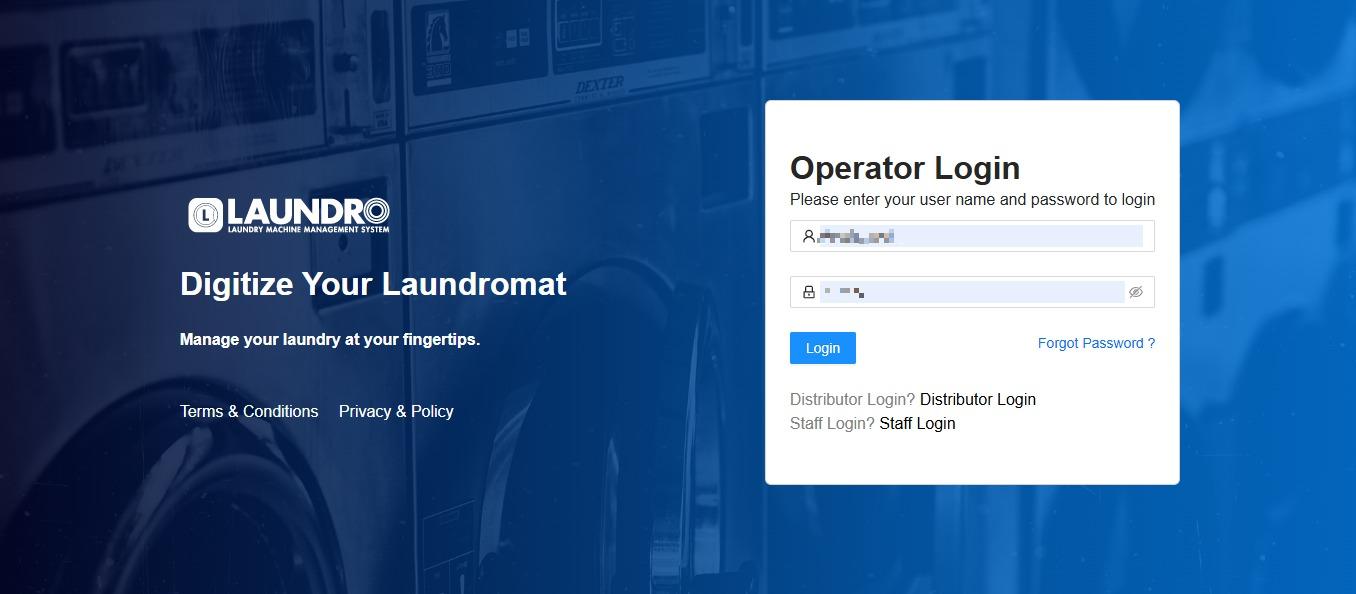
- Login into Laundro Portal & put-in Username / Password : https://v2.thelaundro.com/operator_login
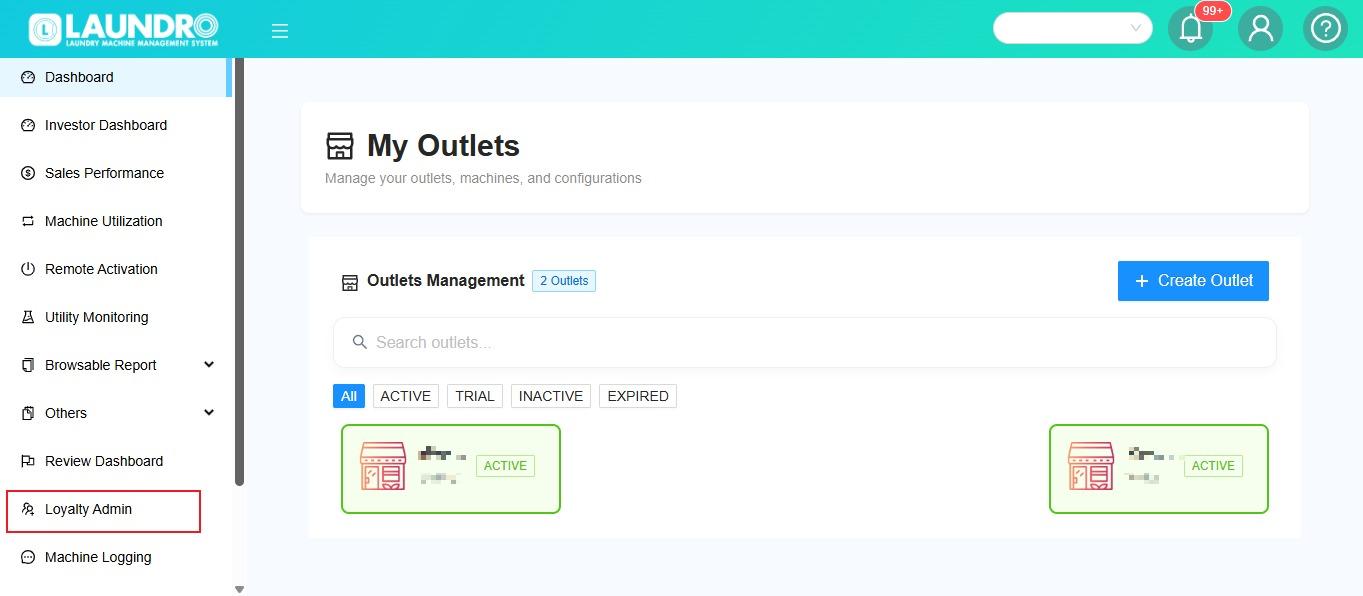
2. Click Loyalty Admin.
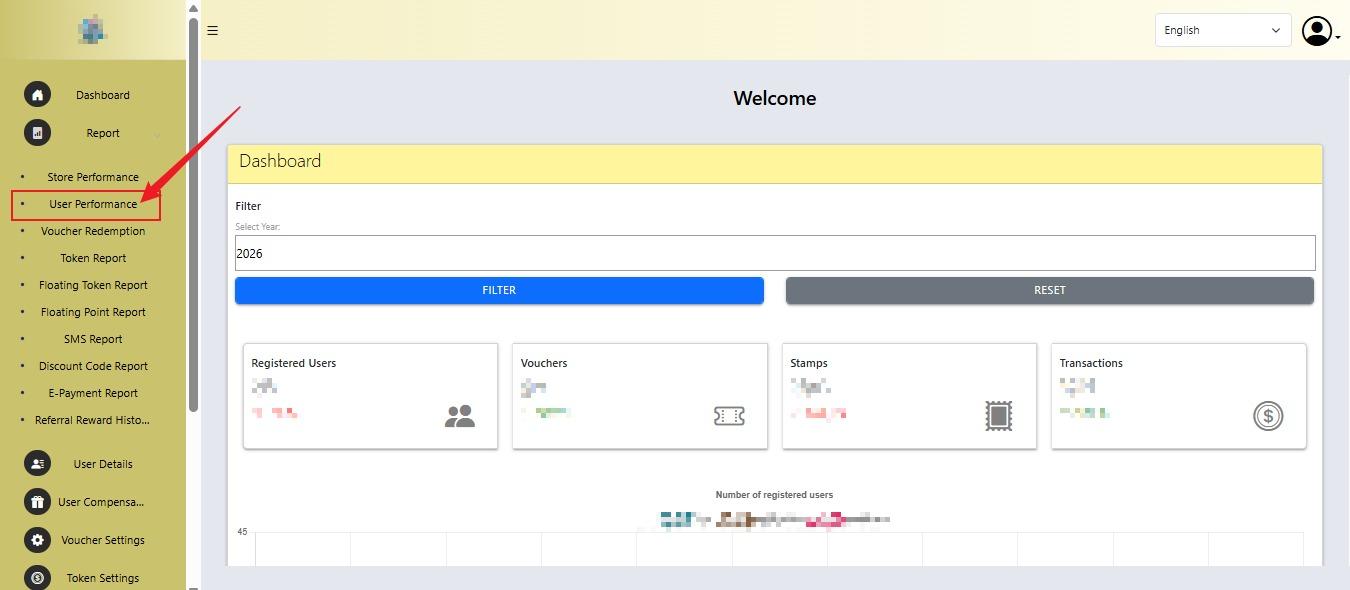
3. Click User Performance to find Member ID.
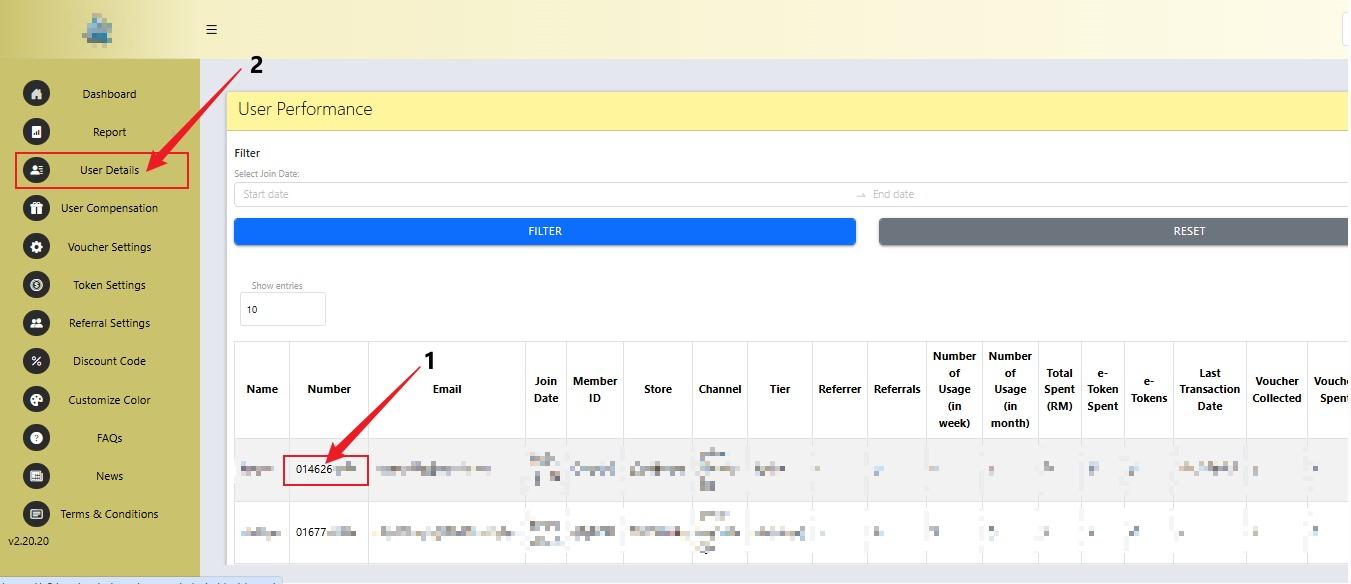
4.
- You can get the member ID through the phone number by entering the member’s phone number.
- Click User Details.
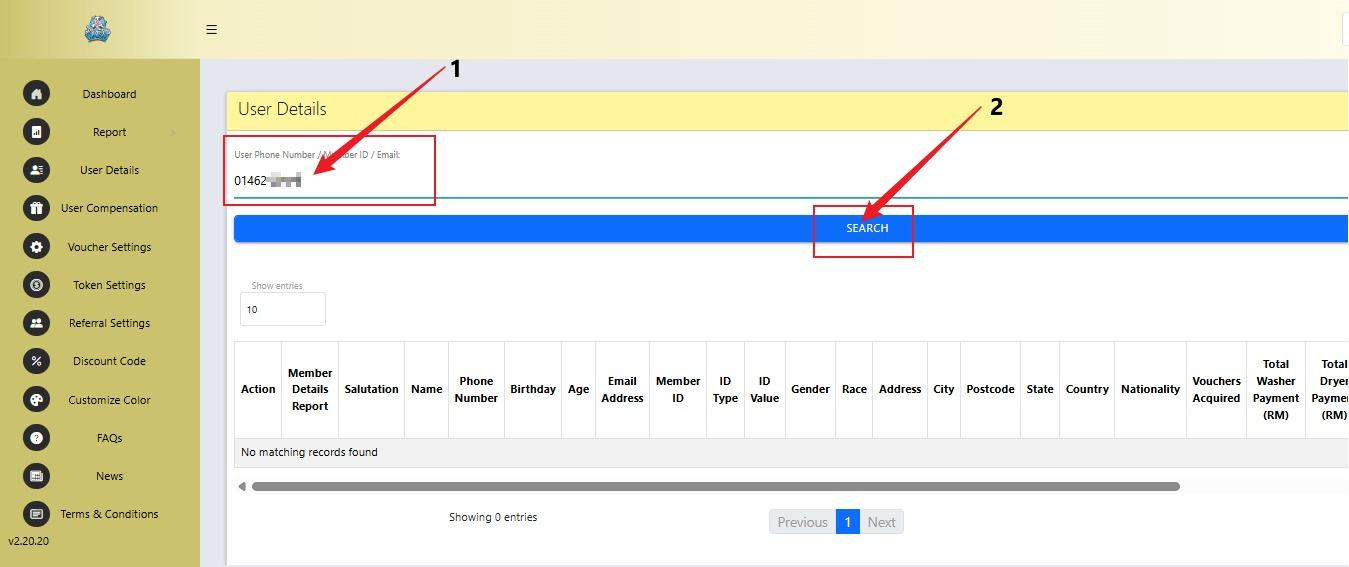
5.
- Fill in User Phone Number.
- Click Search.
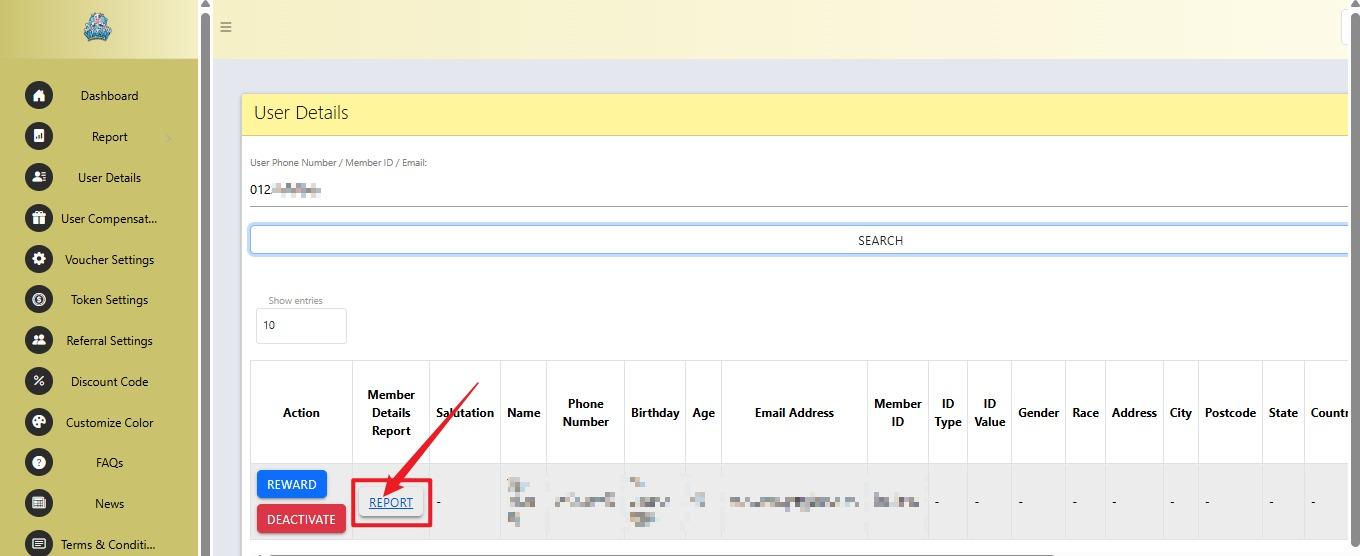
6. Click Report.
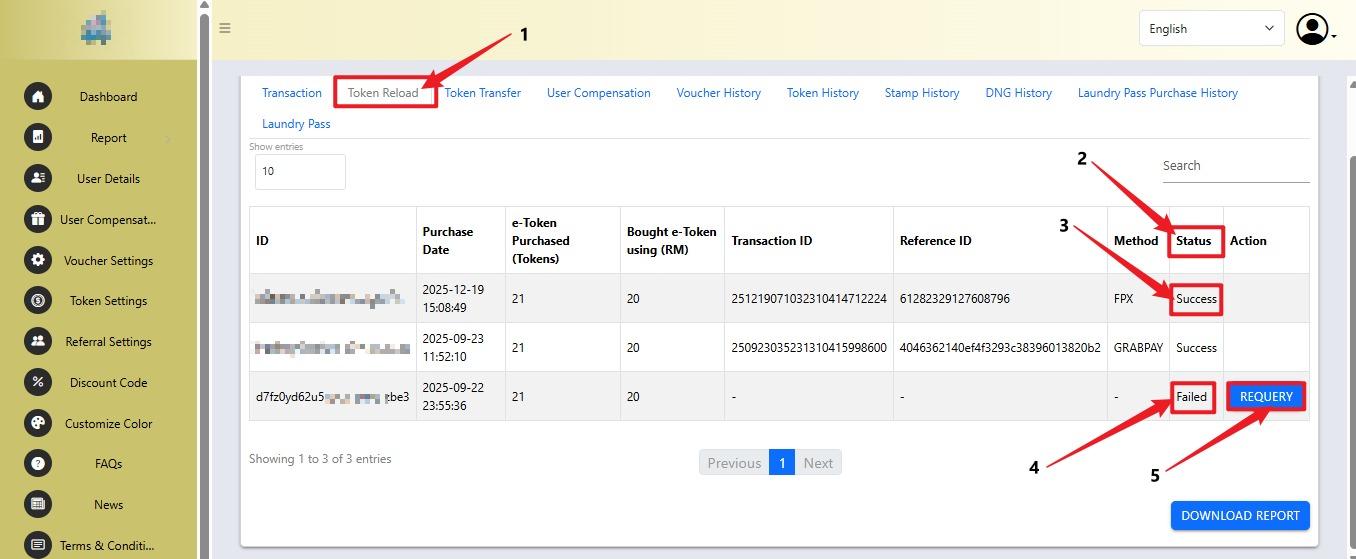
7.
- Click the Token Reload tab.
- Check the transaction Status.
- If the status shows Success, the reload is successful.
- If the status shows Failed, the reload was not successful.
- Click REQUERY to check the transaction again.
No comments to display
No comments to display