
Terminal Record
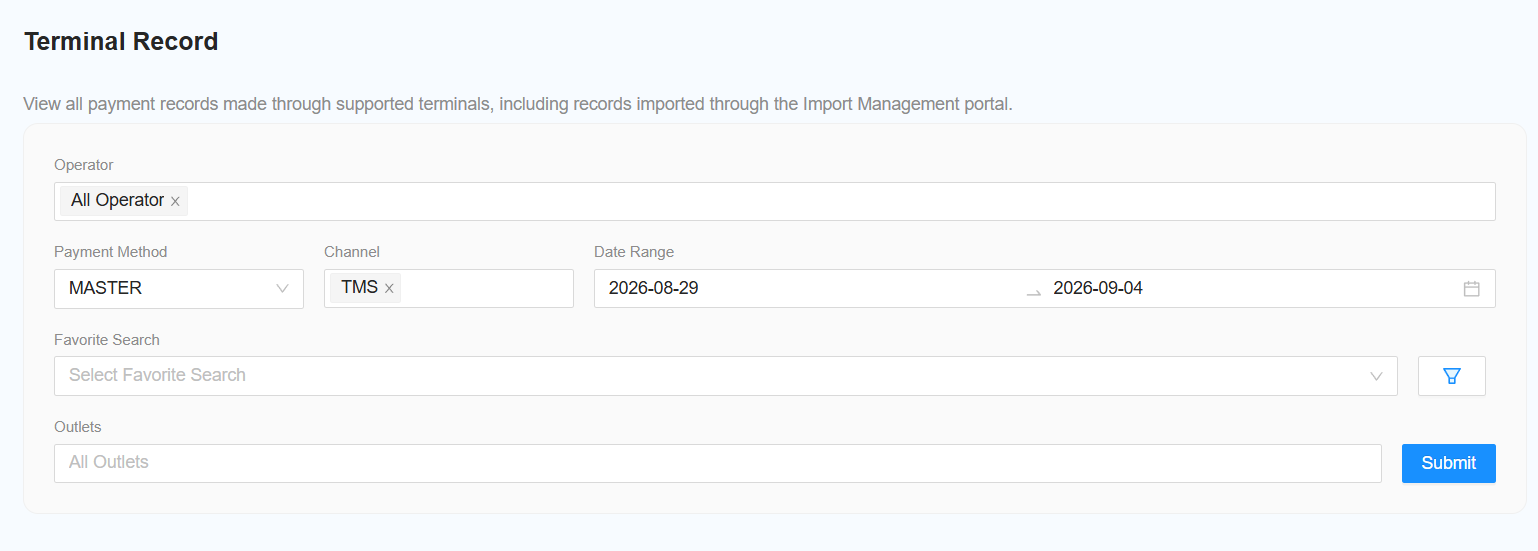
Filter Function
The following filters are available for generating the report:
-
Select Operator
- Select the required operator.
- Select All Operator to include all operators.
-
Select Payment Method
- Select the required payment method.
-
[NEW] Select Channel
- Select one or multiple channels.
- Multiple channel selection is supported.
-
Select Date Range
- Select the date range for the report.
-
Select Outlet
- Select the required outlet.
- Select All Outlet to include all outlets.
-
Submit
- Click Submit to generate the report based on the selected filters.