
E-Payment Success But Machine Not Start / Display Not Deduct
If this situation occurs, what needs to be done is:
-
Obtain the payment details, such as the receipt, for the E-Payment transaction.
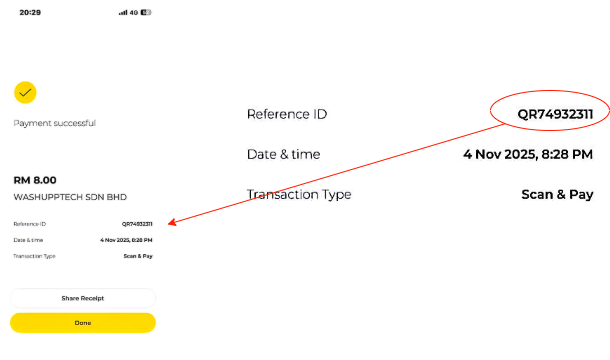
- Log in to the operator dashboard, then go to the e-payment report & Fill in TransactionI'd
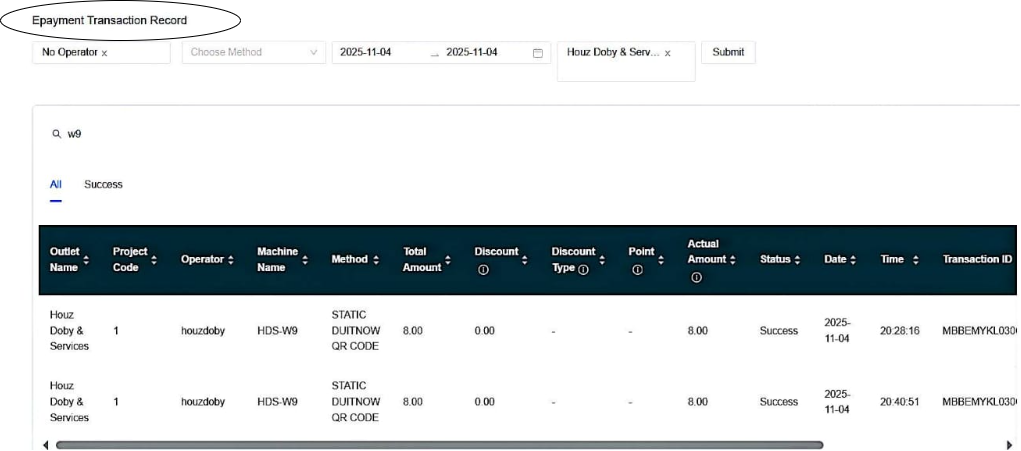
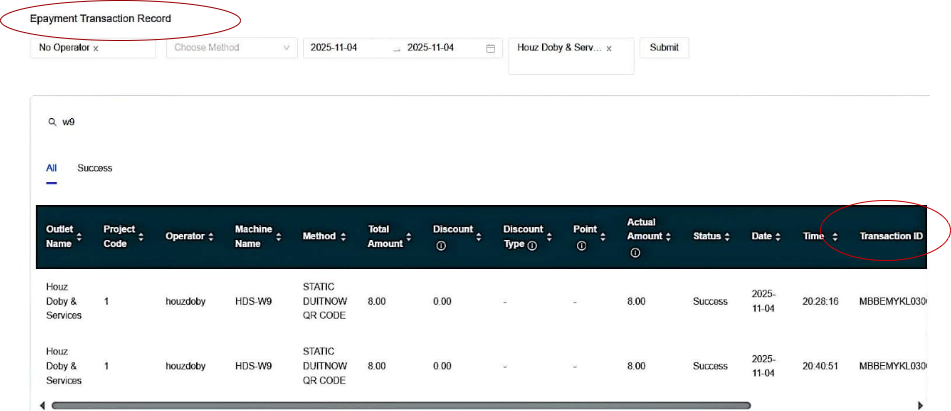
3. Fill in Transaction I'd
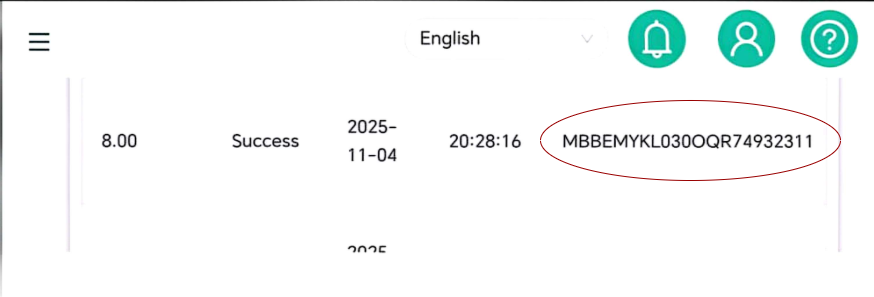
Next, it will display the transaction status as either “Successful” or “Failed.
If the transaction shows “Success,” what needs to be done is:
- Check the cable connection between coin acceptor to device.
- Ensure the device is in online mode.