RHB Duitnow
RHB Duitnow Setup Guide
Login
1. Open URL laundro v2 admin : https://v2.thelaundro.com/admin_login
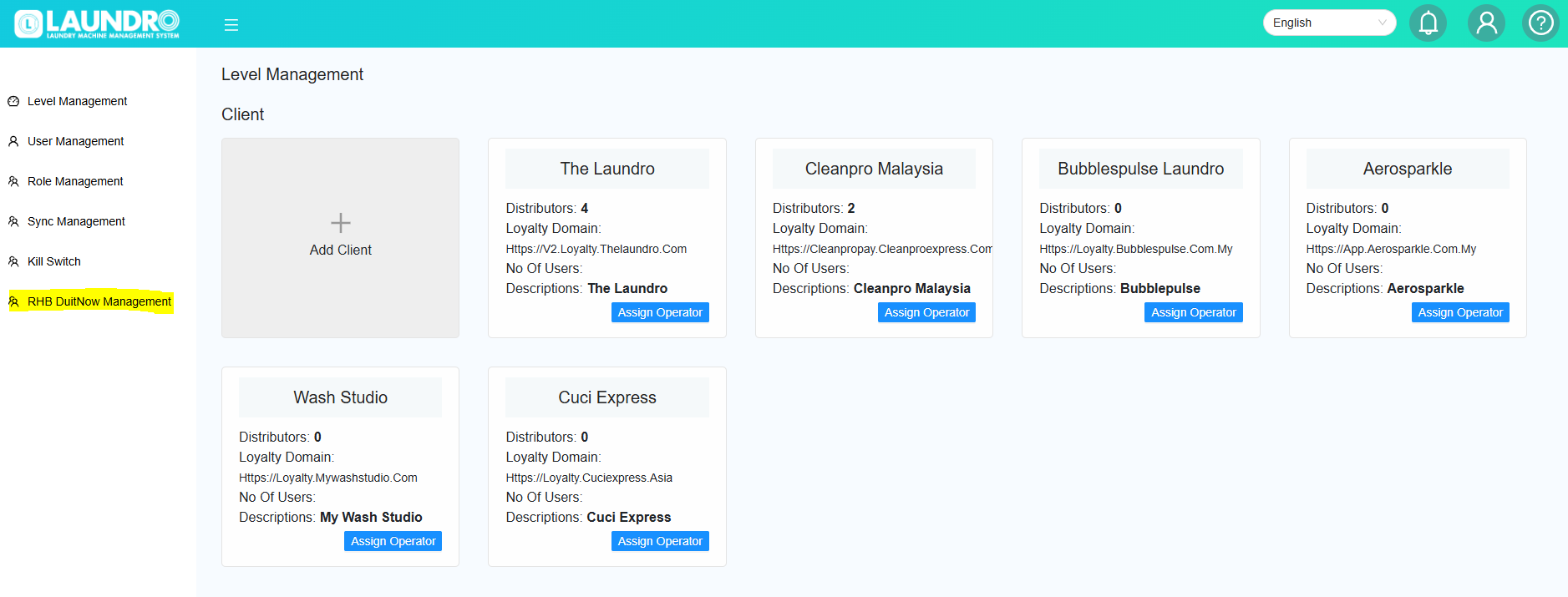
2. Click to RHB Duitnow management
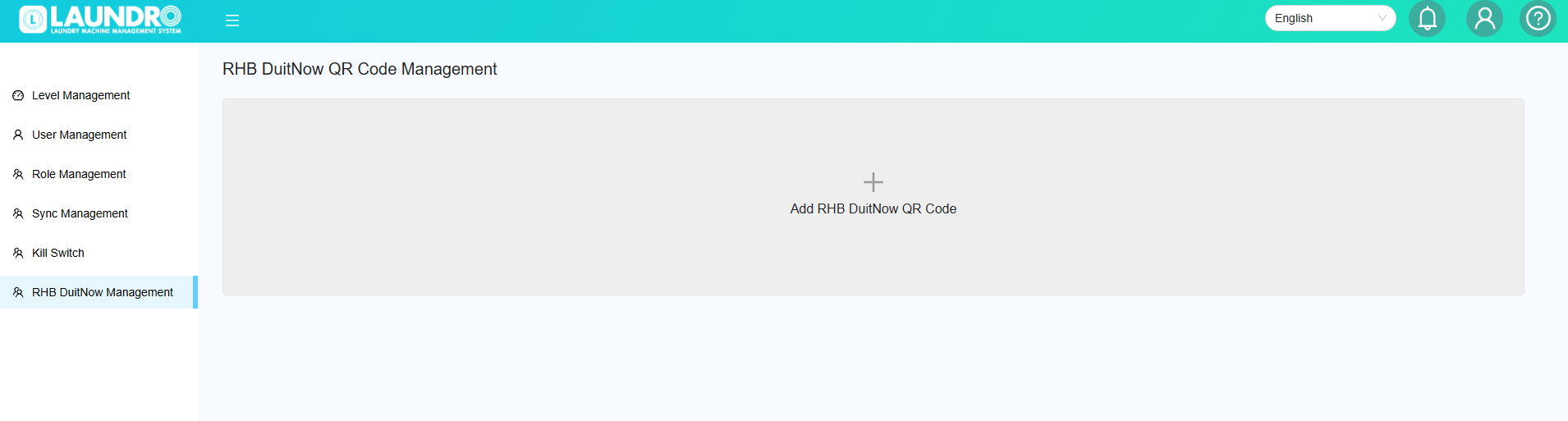
3. Click at Add RHB DuitNow QR Code
4. Input the required details into the box.
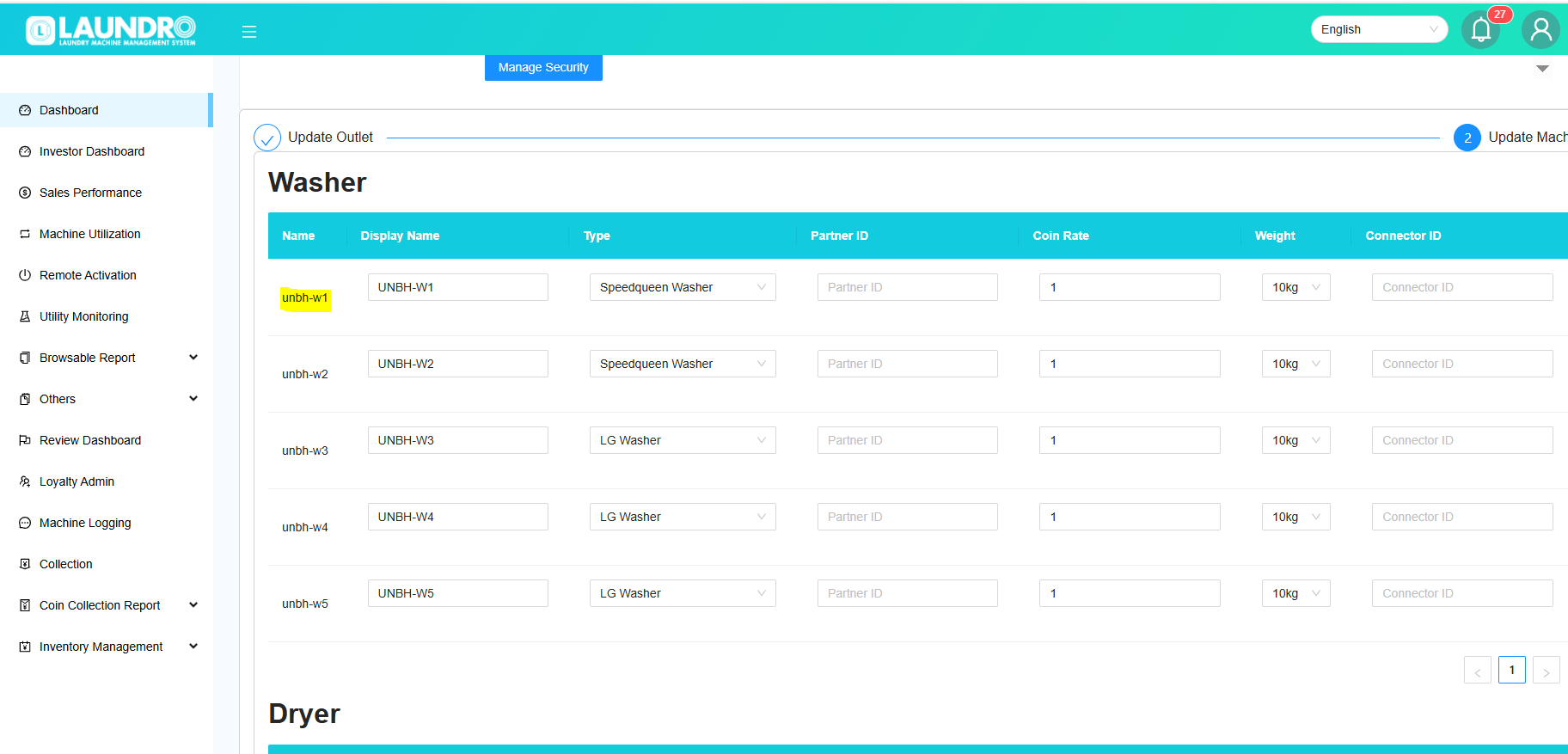
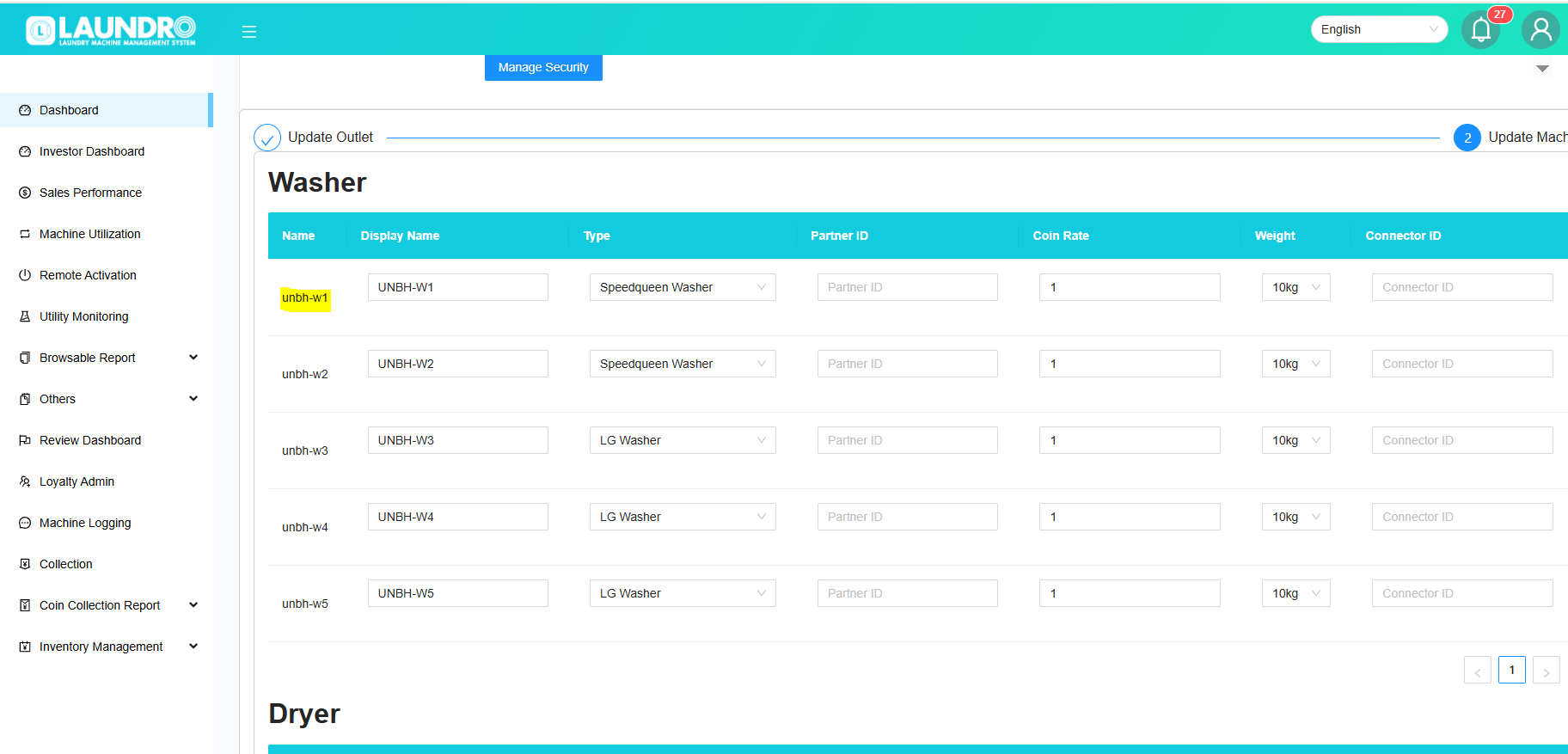
- Copy the ID from the Laundro account (name) and paste it.
5. Please obtain the information listed below from the client/customer.
-
Bill Number : copy & paste ID from laundro
- Merchant code : copy details from client
- User ID : copy details from client
- Company name : Please enter the outlet name to make it easier to locate.
- To add more QR codes, click the “Add More QR Code” button.
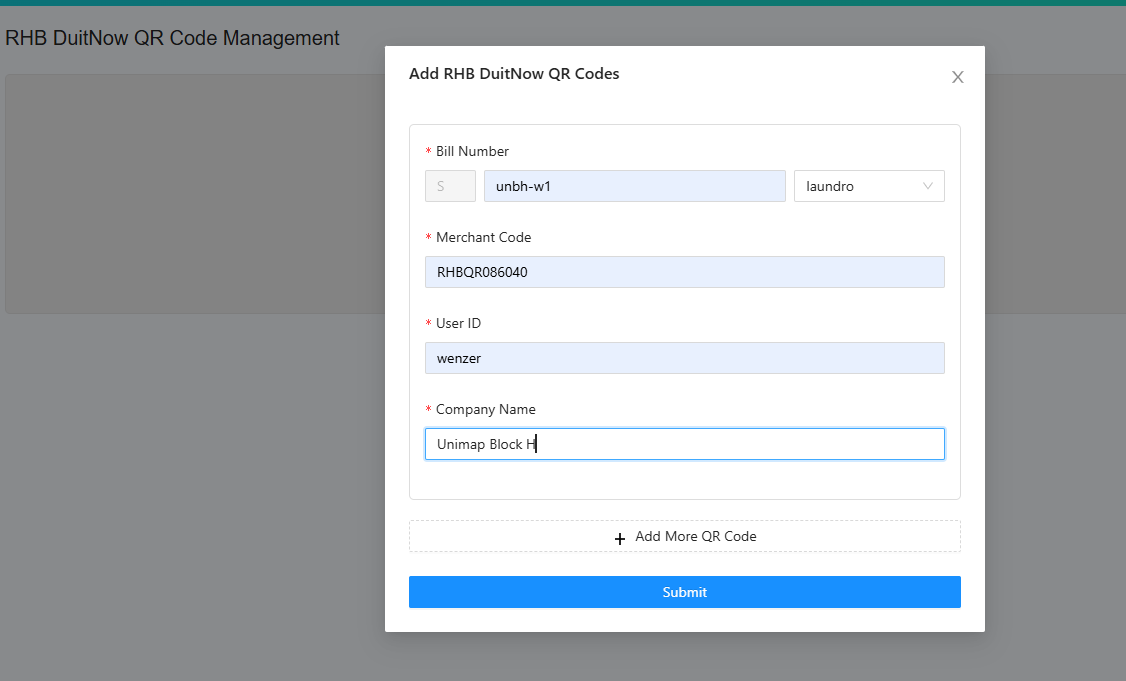
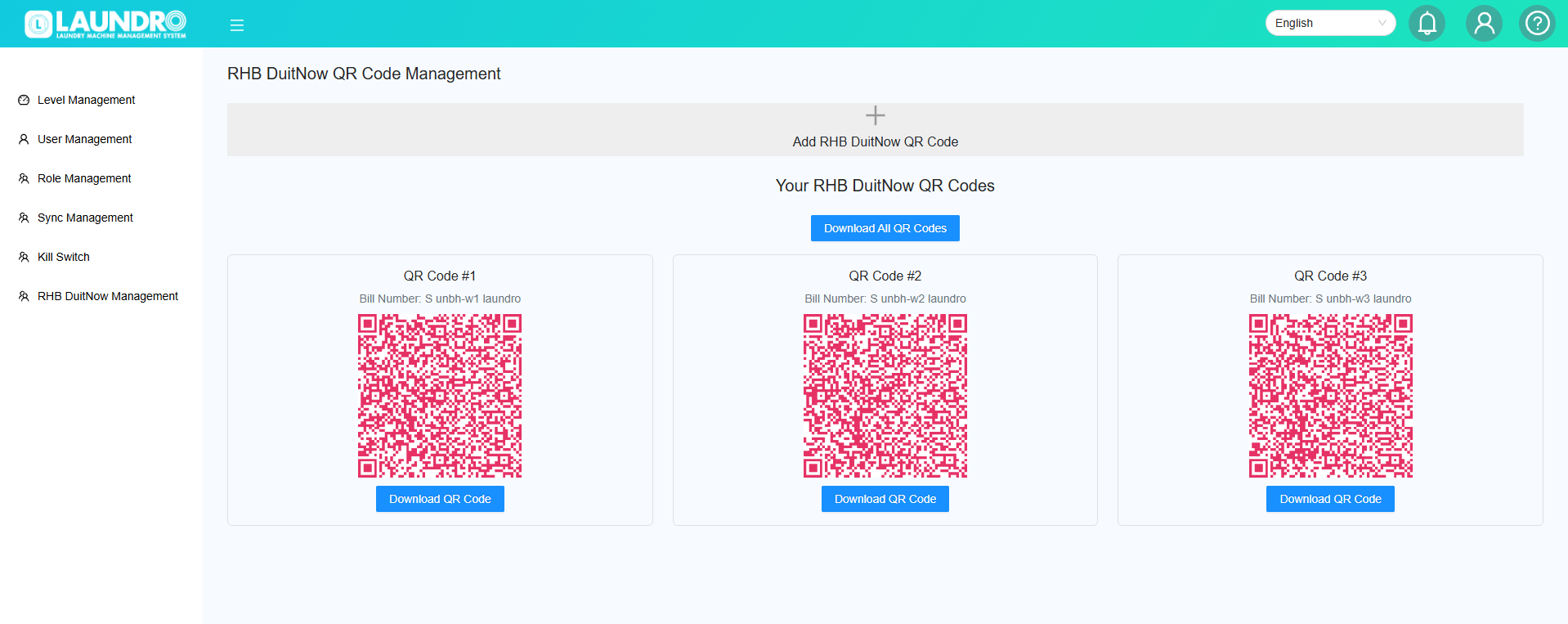
6. Done. Click to Submit and Get All Your QR Codes