FIUU Static QR Download
Login
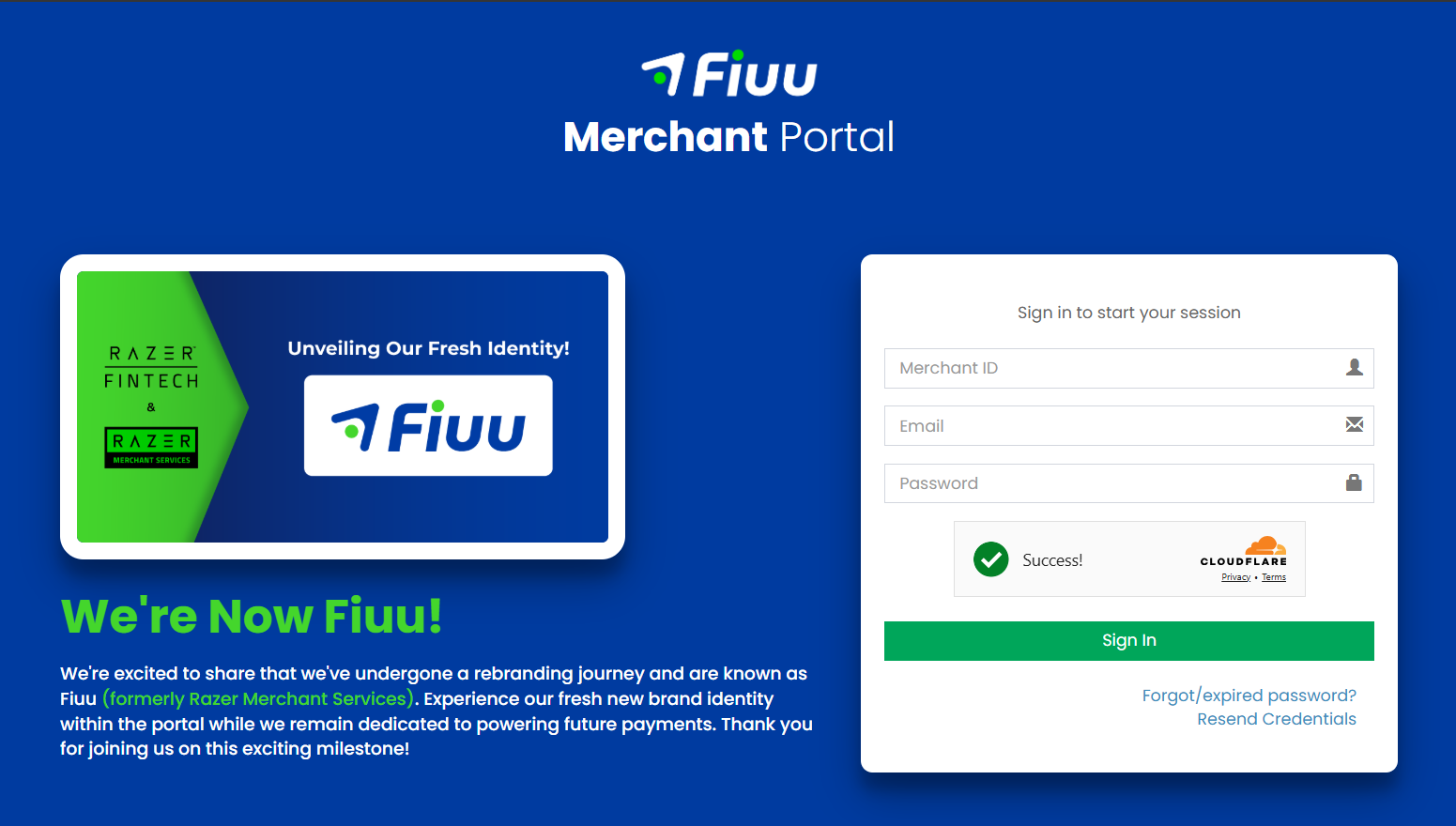
1) Open Fiuu Portal URL: https://portal.fiuu.com/index.php?mod=authentication&opt=login . Enter Merchant ID, email and password to Login
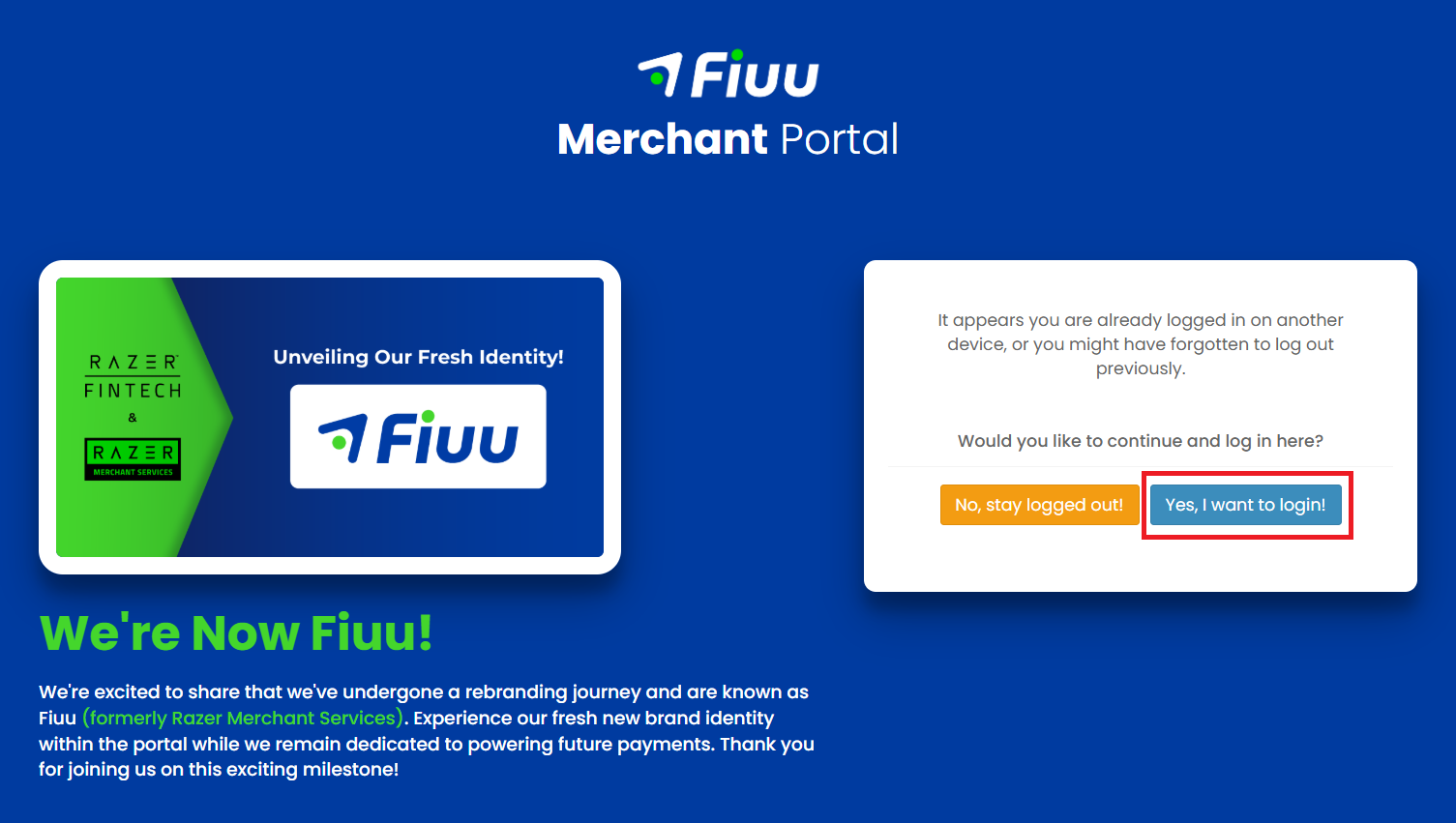
2) Select Yes, I want to login!
─────────────────────────────
Static DuitNow QR Code
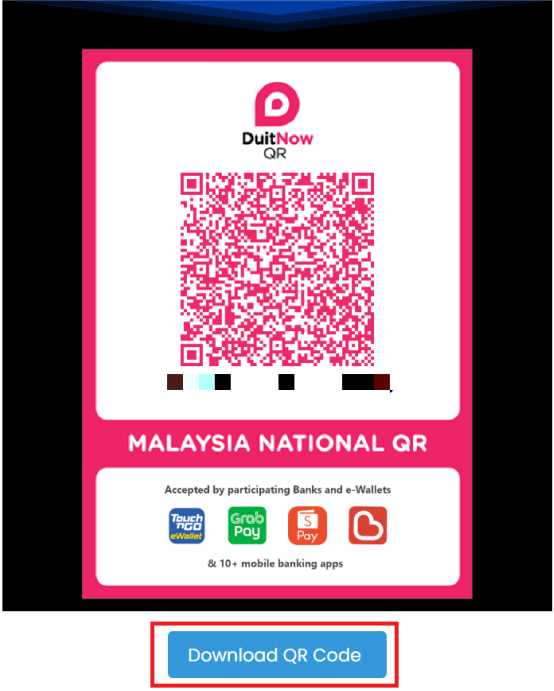
In Fiuu Portal, from sidebar, under Payment Link, select Generate Static QR-Code, Channel select DuitNow QR Oflline, Order ID / Item ID enter machine ID from Laundro portal, then click Generate Preview button, you can see the DuitNow QR generated. Can select view with Standee to download the QR Code.
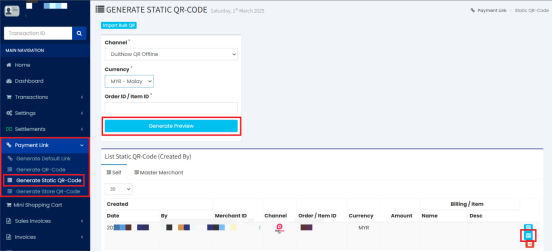
Click the Download QR Code button to donwload the QR code
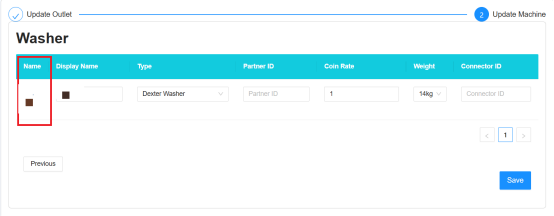
You can get the machine ID from Laundro Portal in the machine settings page