
Kill Switch
In the event of a system downtime or system instability, we sometimes require to temporarily to stop all payments from going through to avoid and false payments. Hence, we have introduced a kill switch feature which can be accessed by all operators that will stop any payment from going through. When a user scans a loyalty QR code or tries to use the webapp, the following page will appear.
The kill switch does not stop payments on Static Duitnow QR code and will instead set the transaction as a refund. If auto refund is enabled, the system will auto refund the transaction.
How to enable the kill switch
- Login to your Laundro dashboard as an operator and navigate to settings. (Top right corner)
- Click on the Kill System.
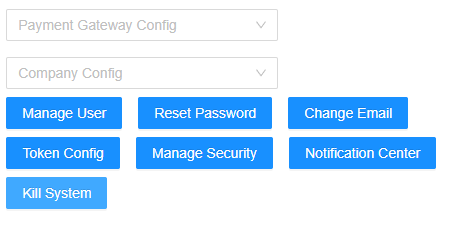
- A pop-up window will appear to select the specific outlets to be killed.
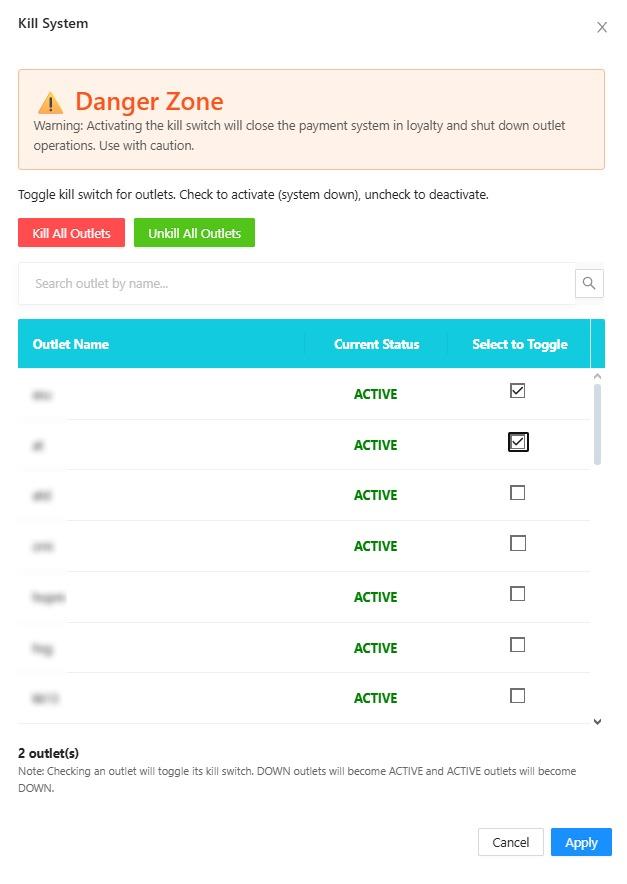
- For quick usage, can select "Kill All Outlets" to immediately kill all the outlets under this operator, or the vice versa "Unkill All Outlets"
- For individual outlets, can manually select toggle on the desired outlets to kill or unkill, then click "Apply" at the bottom.
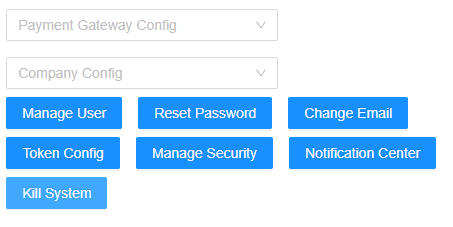
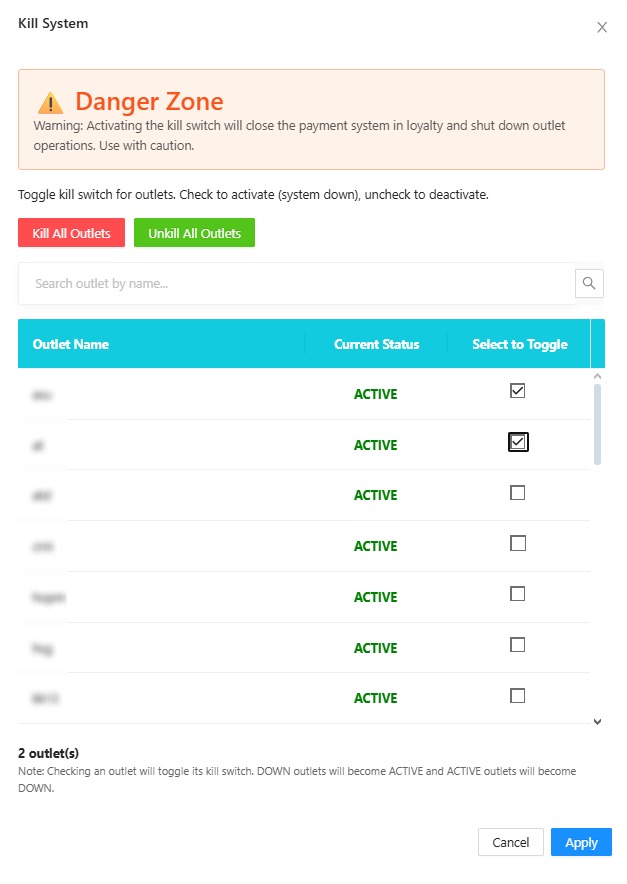
Please use this feature with caution, as it will immediately affect all payments going through the specific outlet.