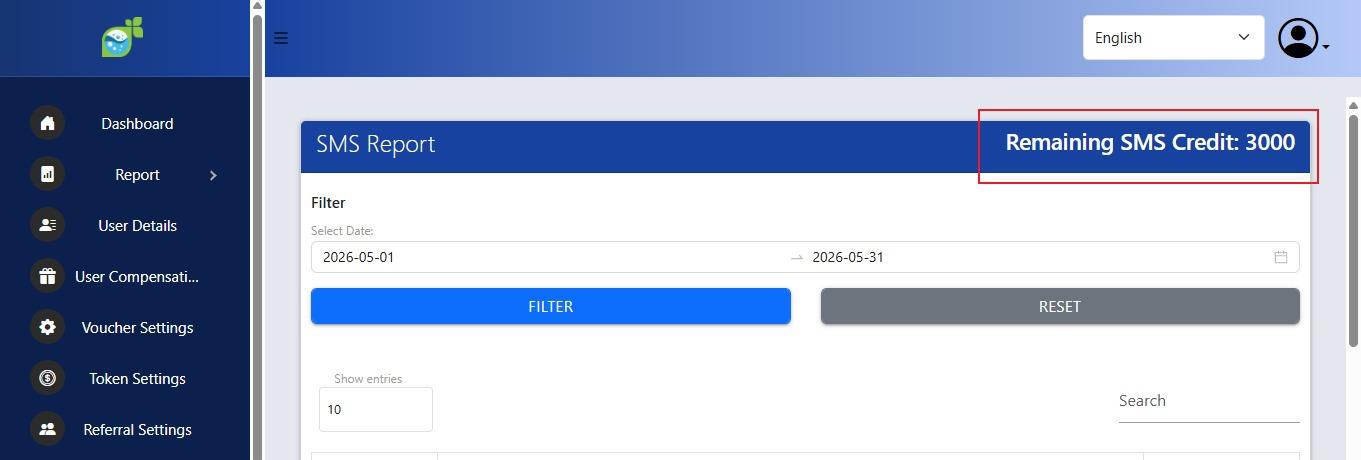
How to top-up SMS Credit
1. Go to the Operator Login
, then enter theusername and passwordandlog in.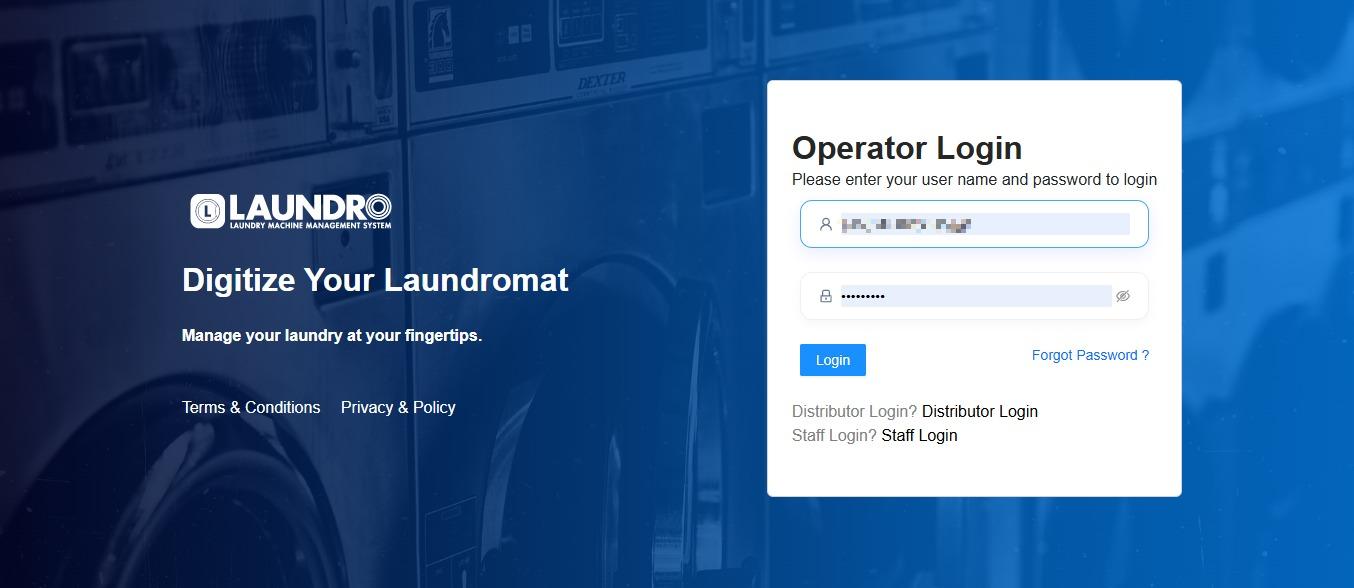
2.click intoLoyalty Admin. Leave this pagefor now and go toFreedcam.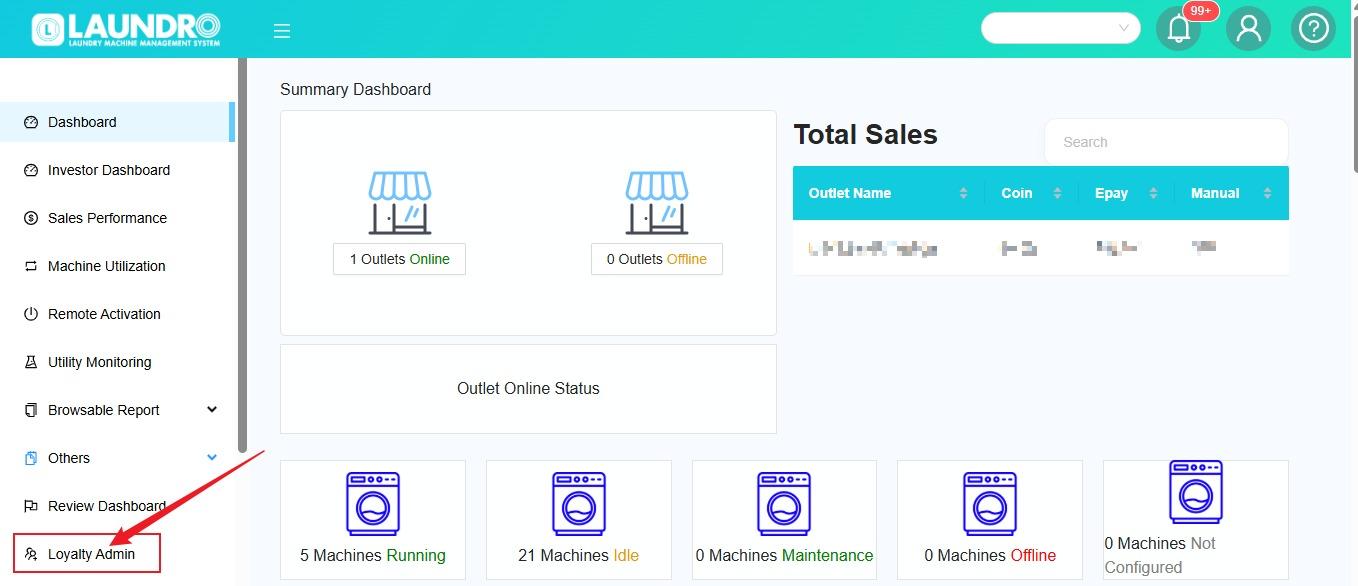
3.After entering Freedcam, clickClick on Laundro Loyalty.
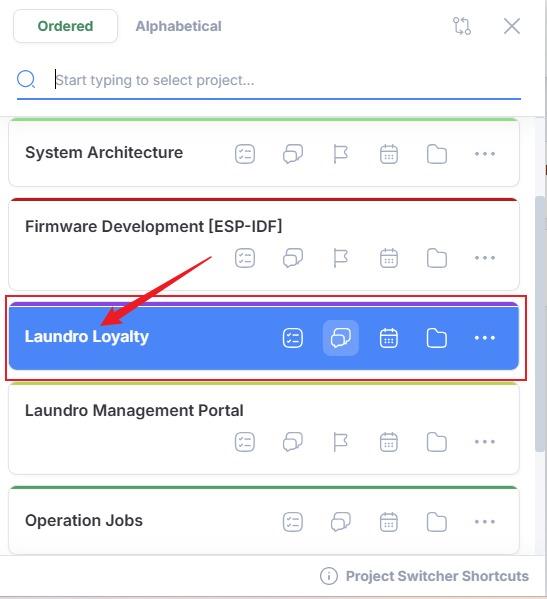
4. 2.
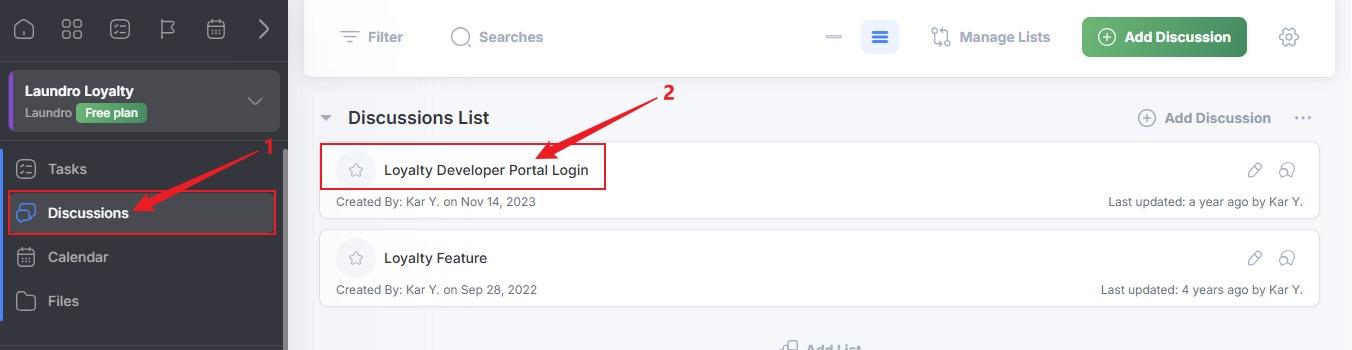
- Click Discussions.
- Click Loyalty Developer Portal Login.
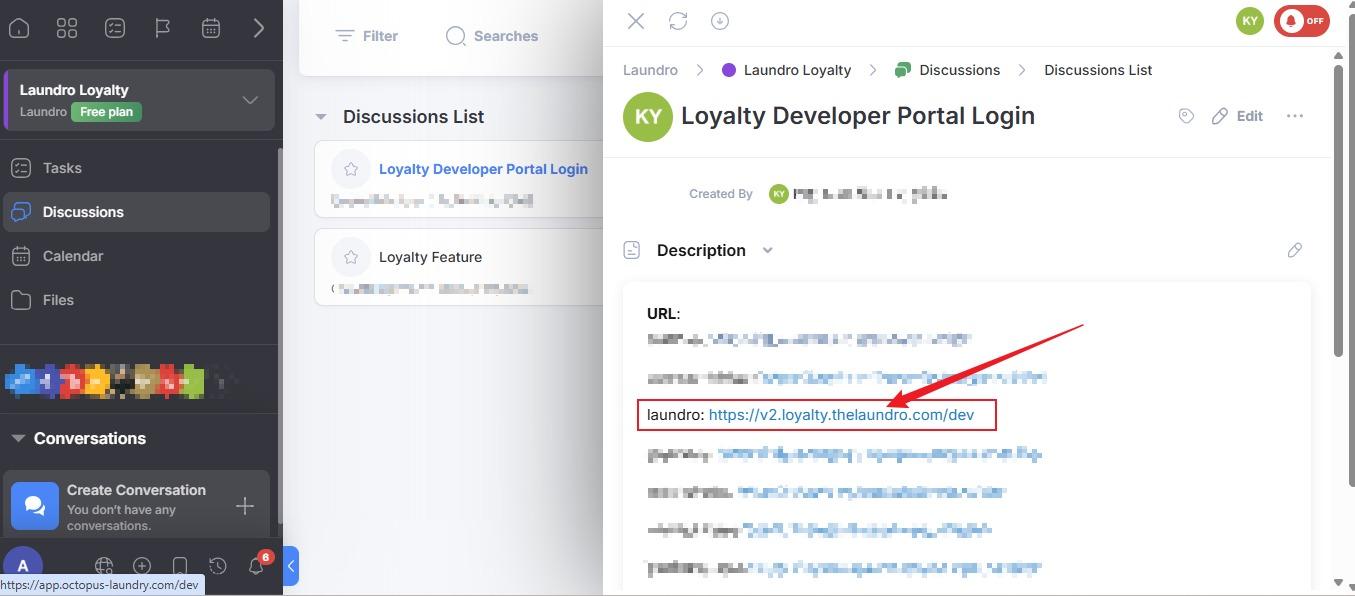
5.3. Click on Laundro link.
6.4.
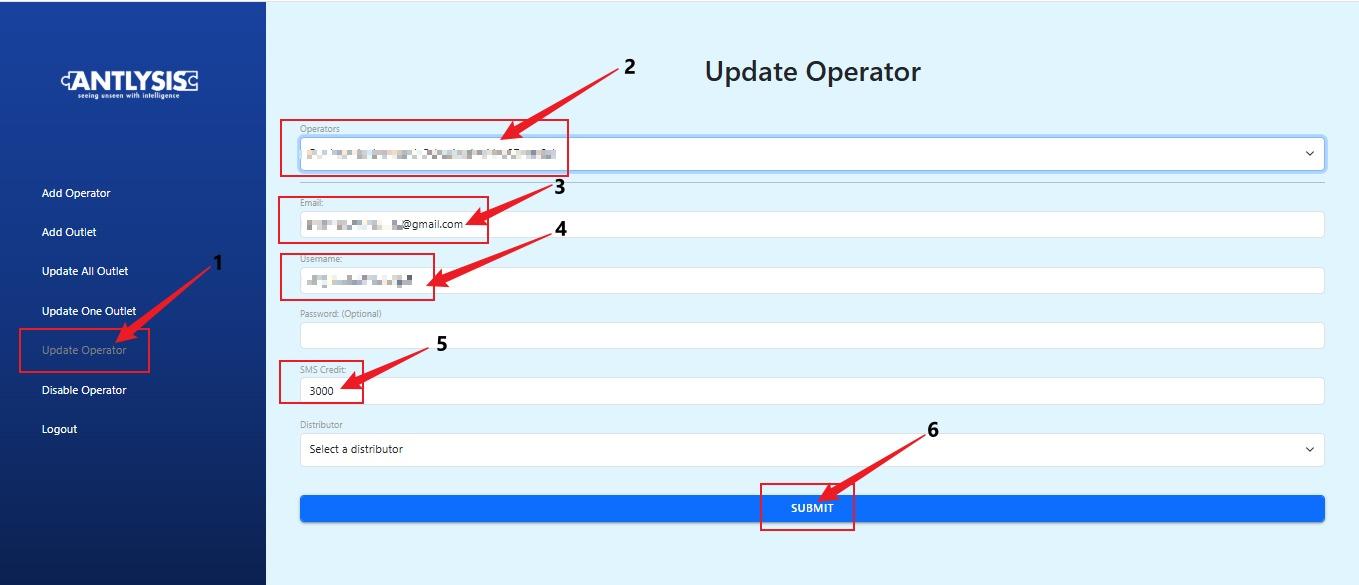
- Click Update Operator.
- Select the operator.
- Check the email address.
- Check the username.
- Enter the SMS credit amount.
- Click Submit.
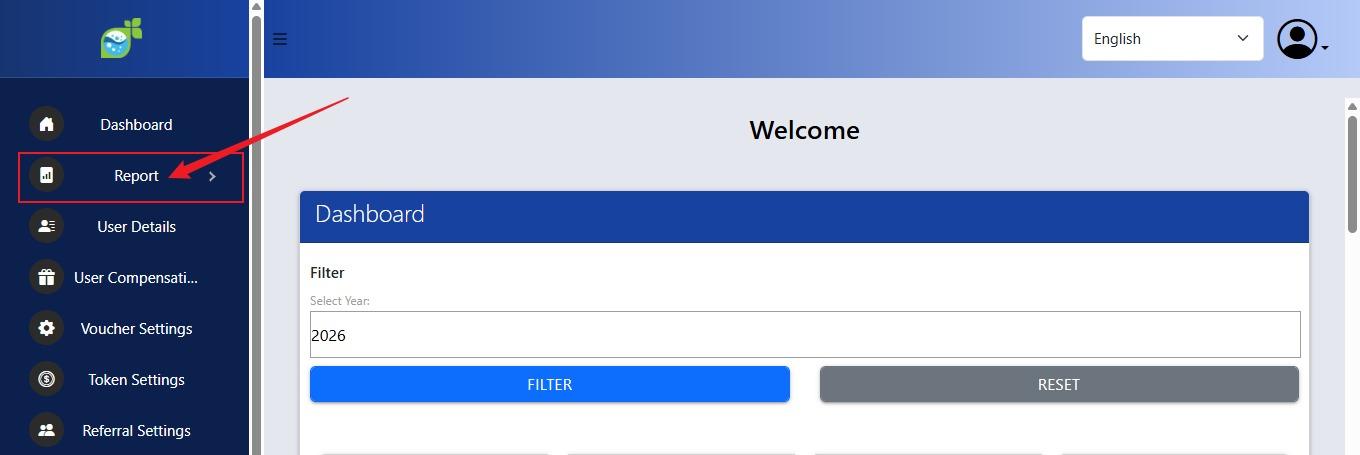
7. Go back to the Laundro Operator Dashboard. Loyalty Admin Page.
- Click on Report.
8.
- Click on SMS Report.
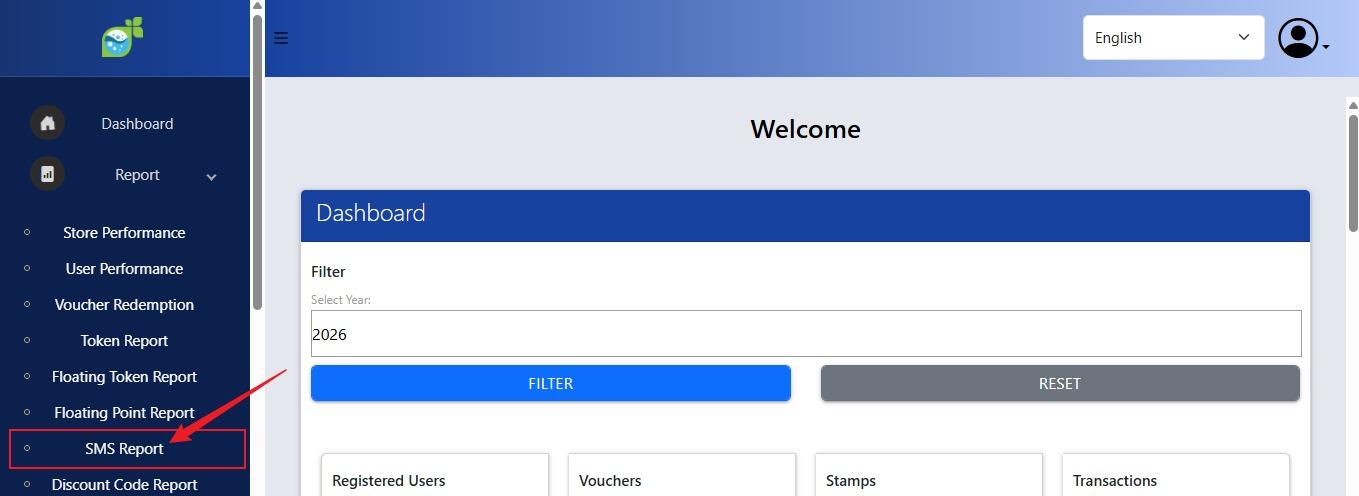
9. Remaining SMS Credit Balance.