
How to get QR Code
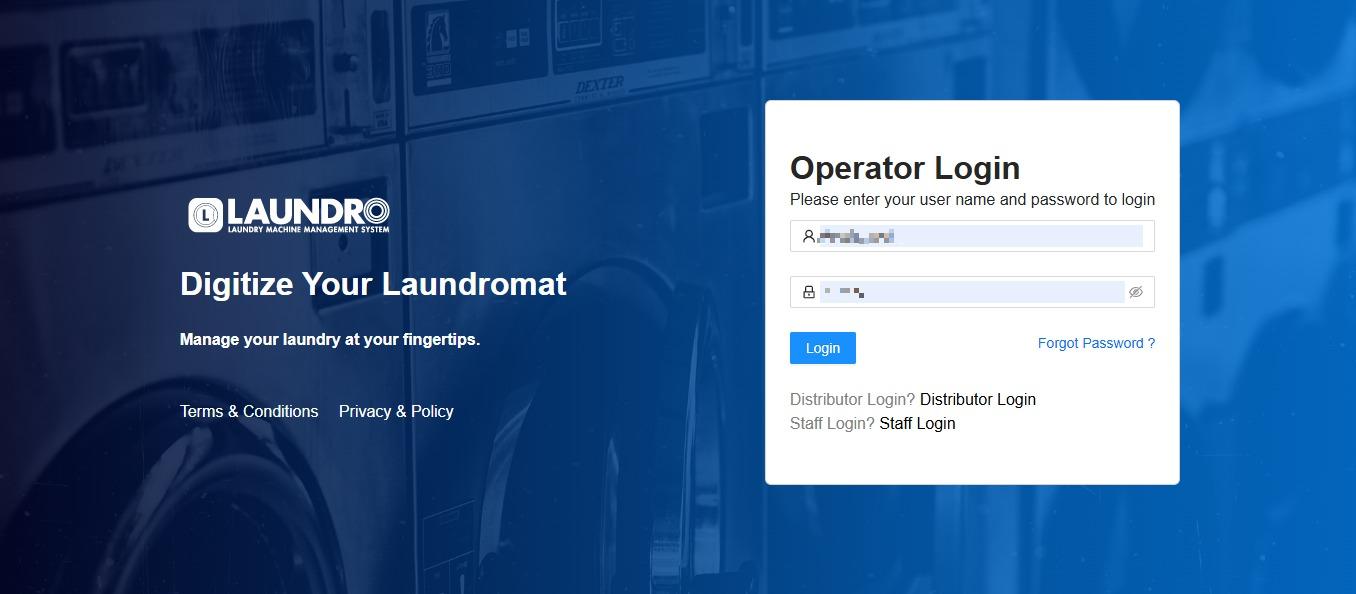
- Login into Laundro Portal & put-in Username / Password : https://v2.thelaundro.com/operator_login
2.
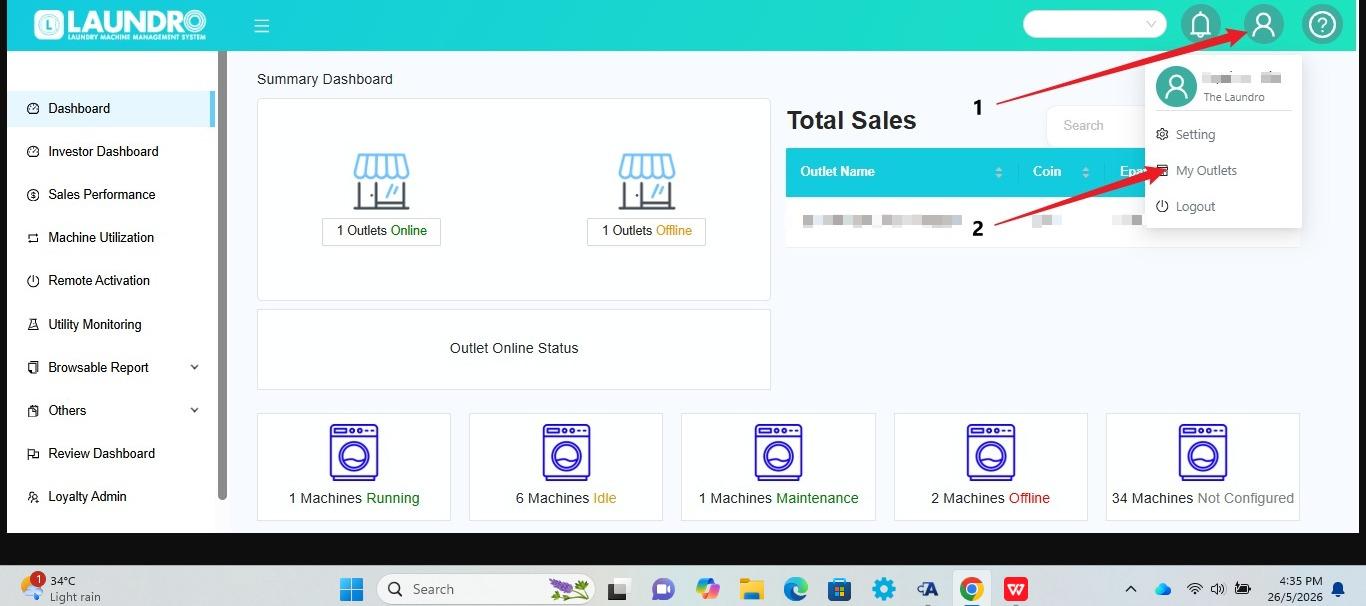
- Click the Profile icon at the top-right corner of the screen.
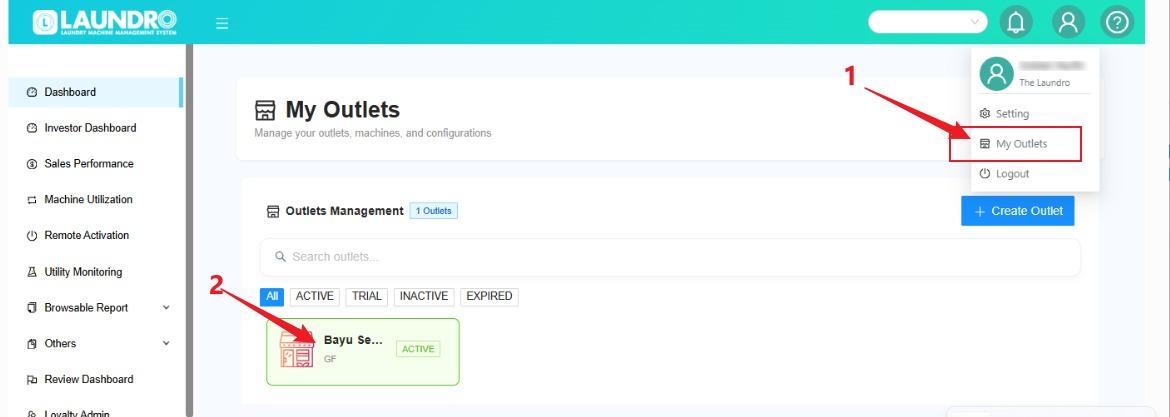
- Select My Outlets from the dropdown menu.
- The system will open the My Outlets page where you can view your outlets.
3.
4.