
Costing & Sales v2
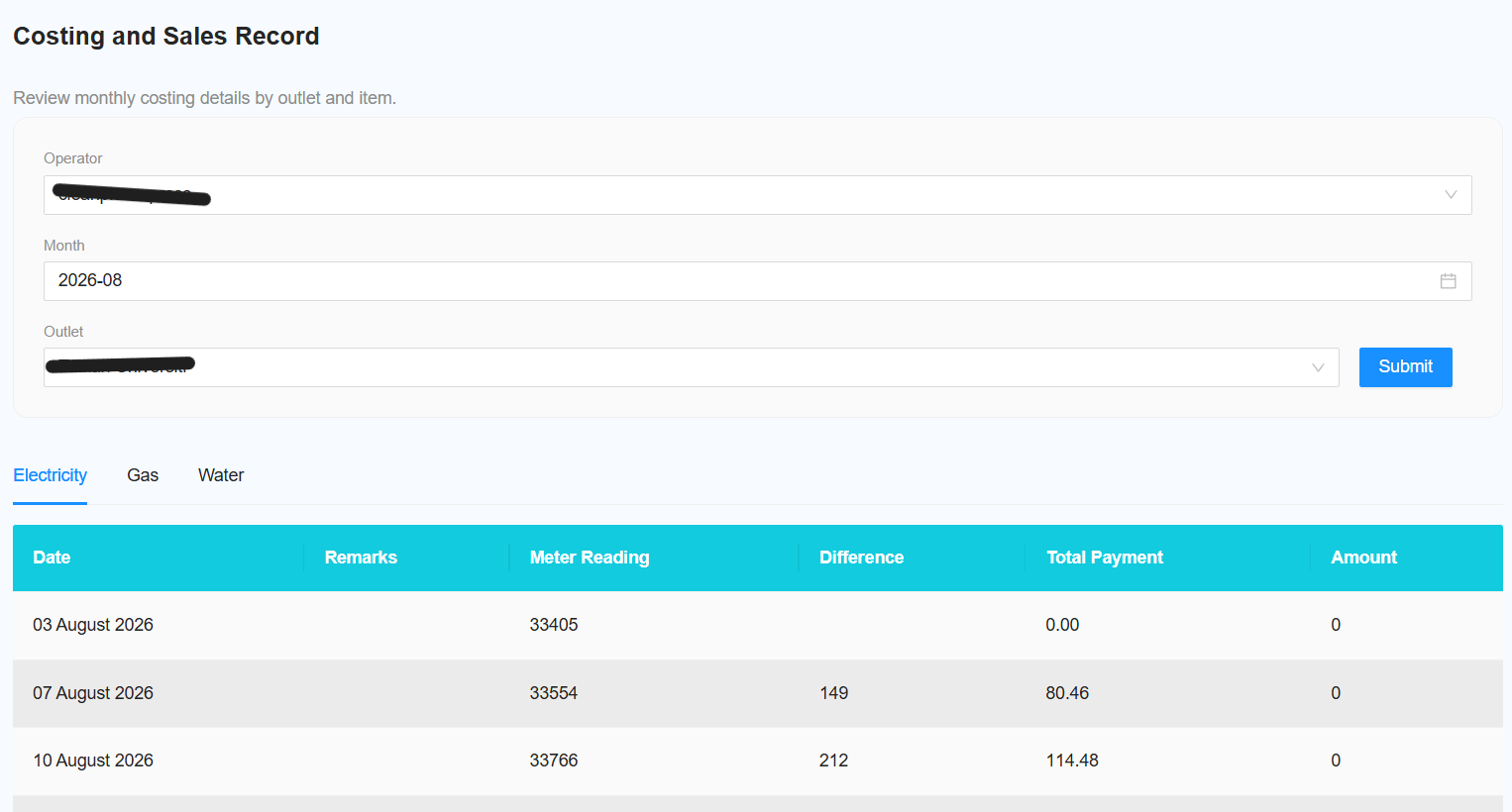
Report Filter and Report
Filter Function
The following filters are available for generating the report:
-
Select Operator
- Select the required operator.
-
Select Month
- Select the required month.
-
Select Outlet
- Select the required outlet.
-
Submit
- Click Submit to generate the report based on the selected filters.
Report
Follow the same format as the existing report.
Additionally, the report will display the Total based on the selected filters.