
Chemical Report
Filter Function
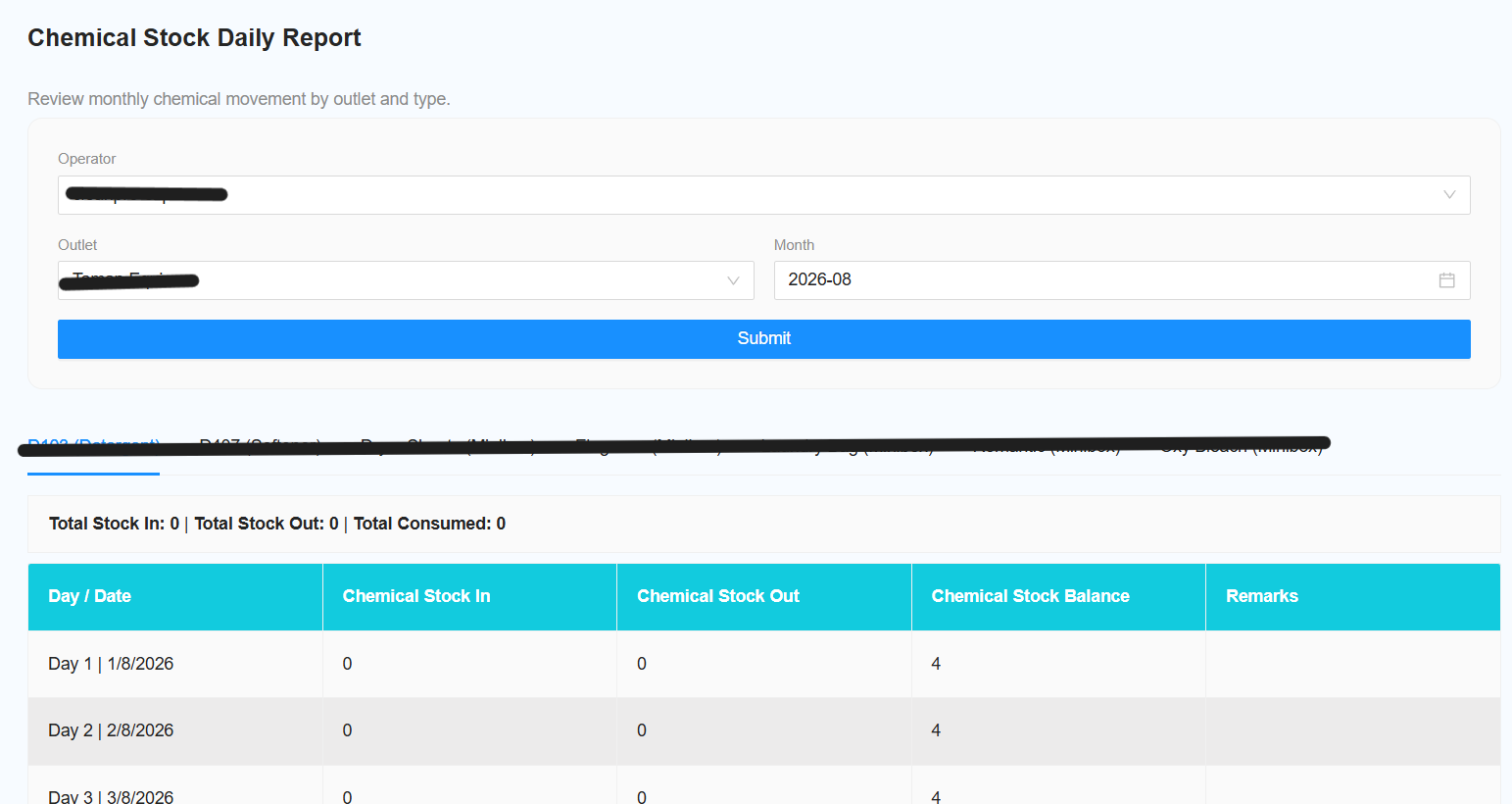
The following filters are available for generating the report:
-
Select Operator
- Select the required operator.
- Select All Operator to include all operators.
-
Select Outlet
- Select the required outlet.
- Select All Outlet to include all outlets.
-
Select Date Range
- Select the date range for the report.
-
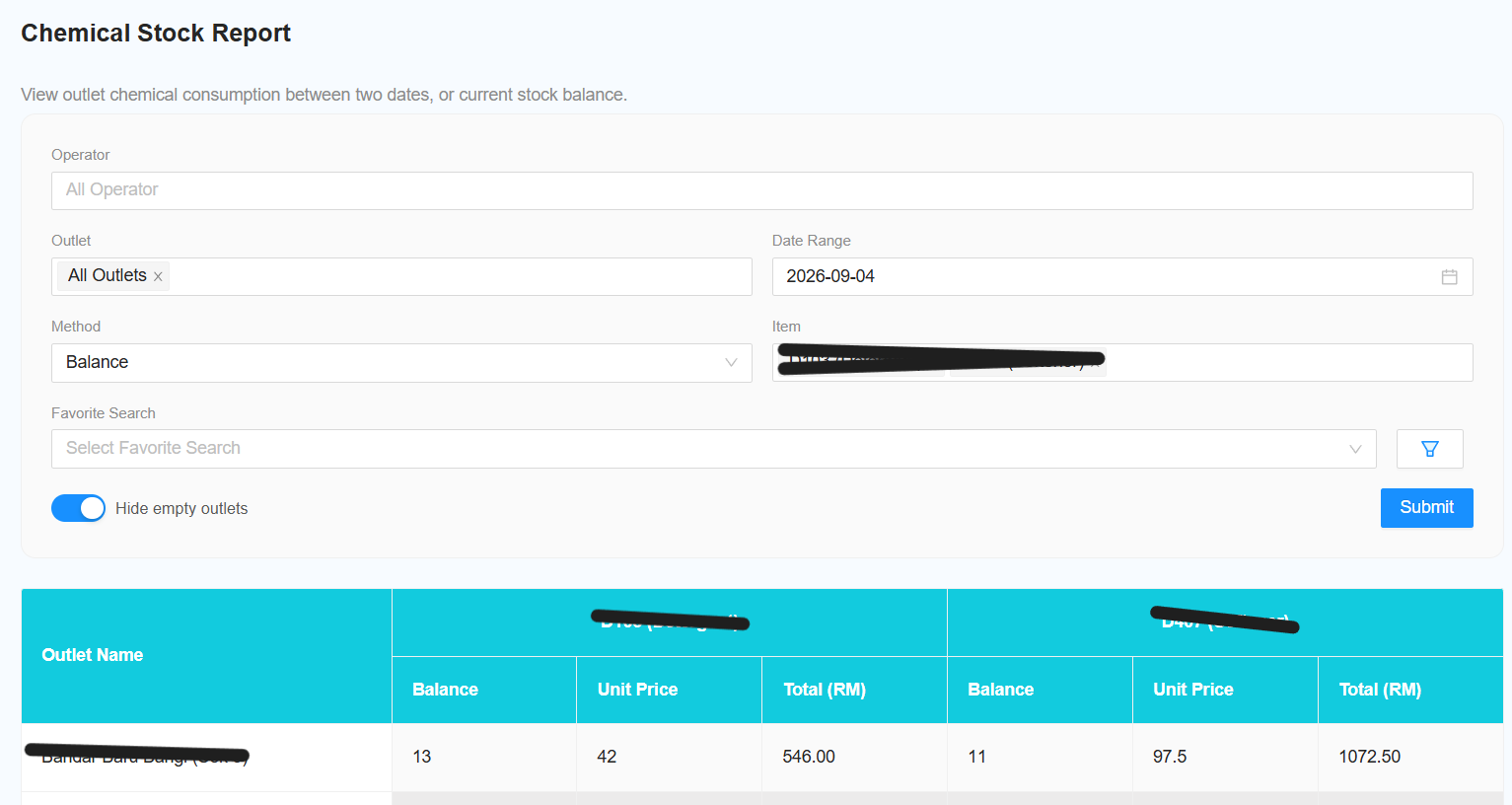
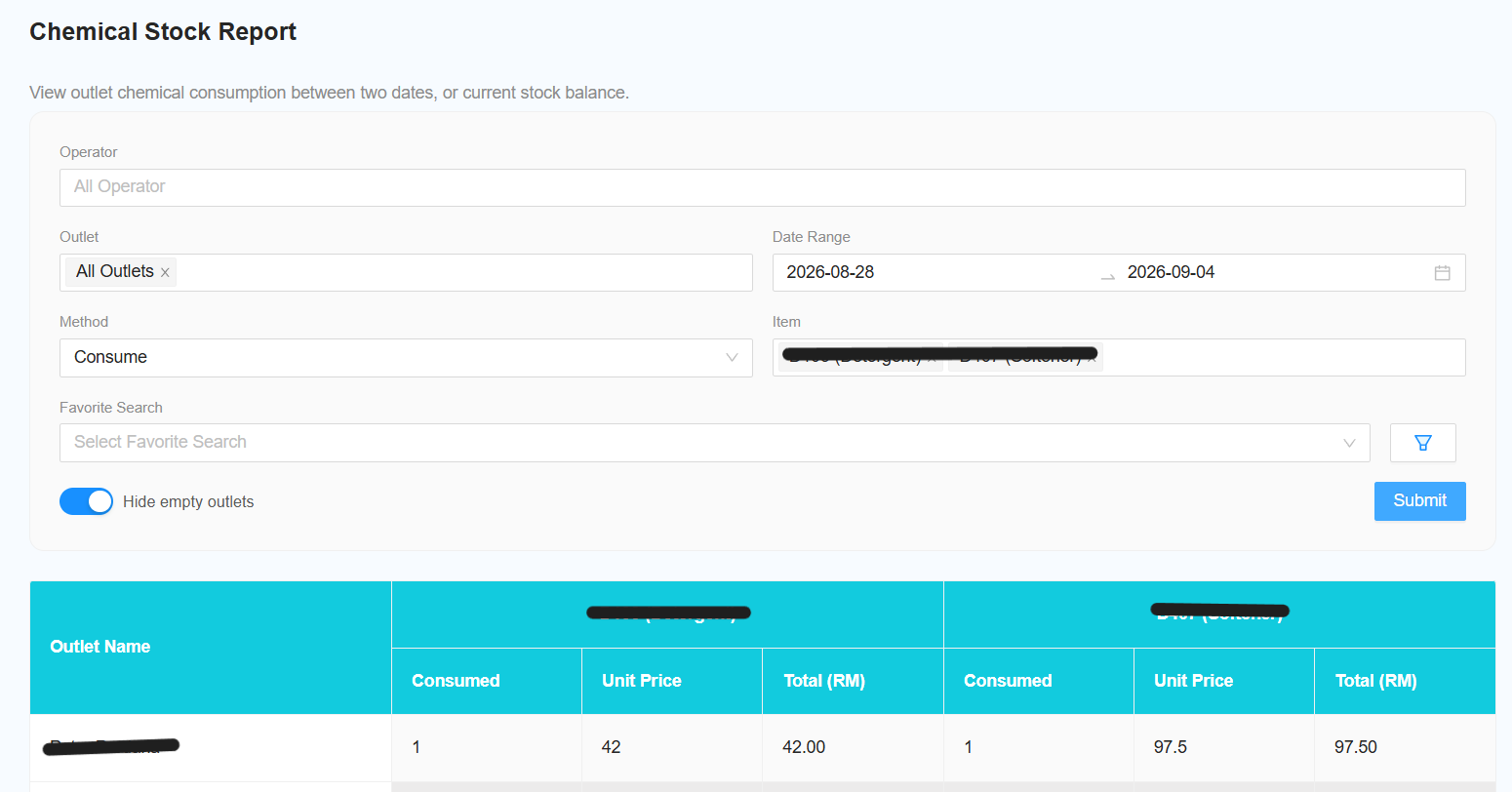
[NEW] Select Method
- Select the method to determine the stock value:
a. Consume
- Displays how many stocks were consumed during the selected date range.
b. Balance
- Displays the current balance of the stock.
-
Select Item
- Select the required item.
- Select All Item to include all items.
-
[NEW] Hide Empty Outlet
- Toggle this switch to hide outlets with no stock data.
- This helps to simplify the report and improve readability.