Bill Collection v2
Filter Function
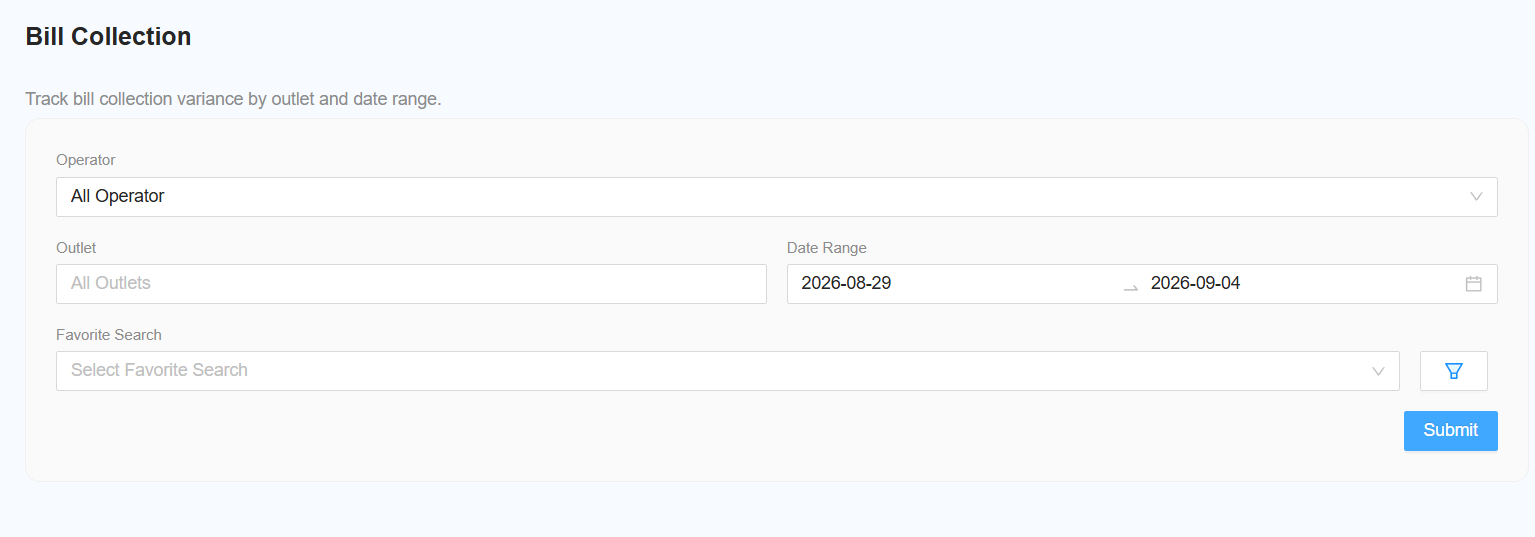
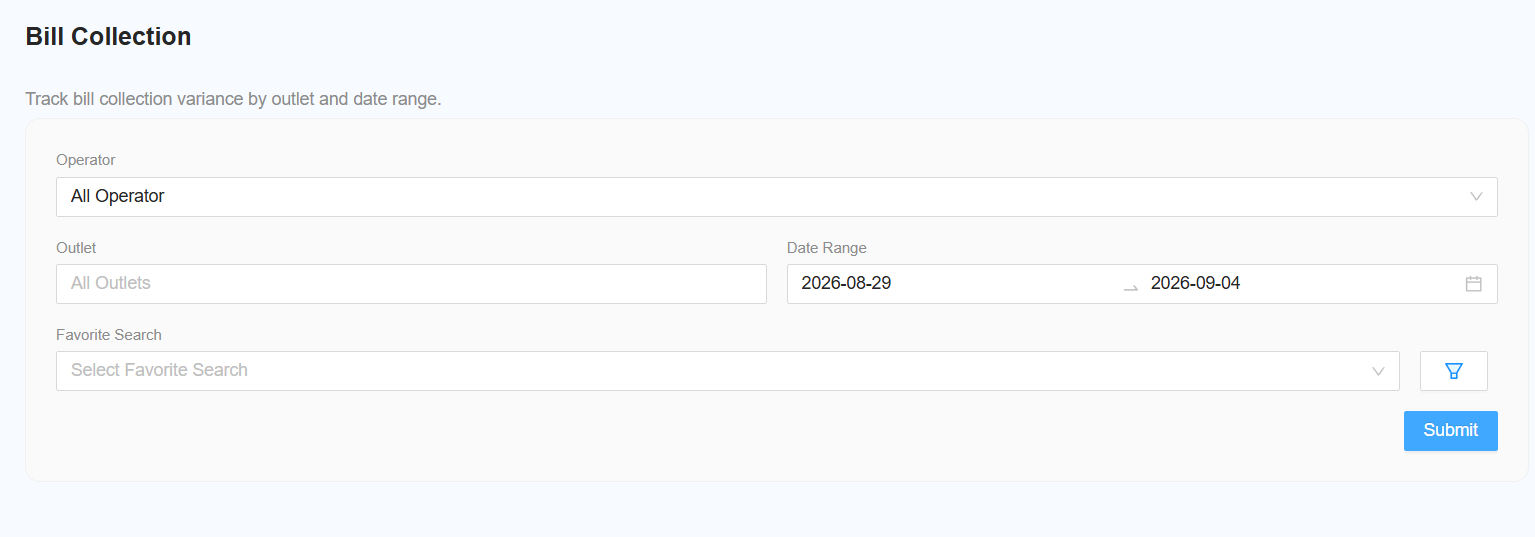
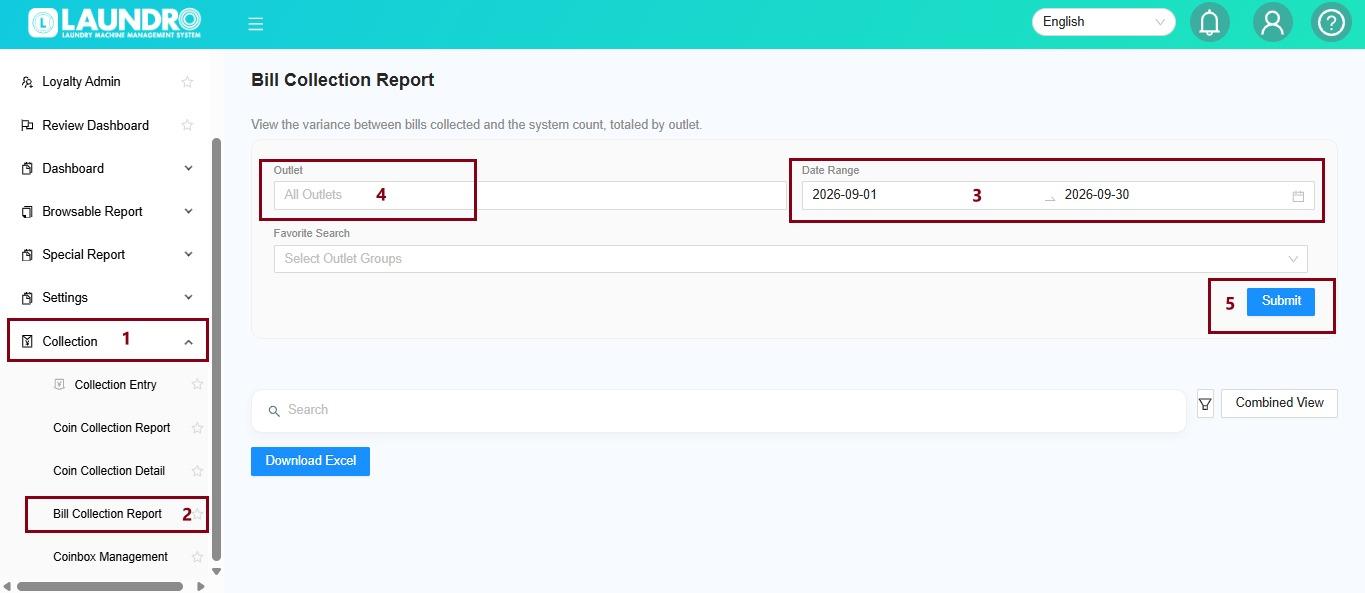
The following filters are available for generating the report:
Select Operator
Select the required operator.
Leave the filter unchanged to include All Operators.
Select Outlet
Select the required outlet.
Leave the filter unchanged to include All Outlets.
Select Date Range
Select the required date range for the report.
[NEW] Select View Type
Choose how the report should be displayed:
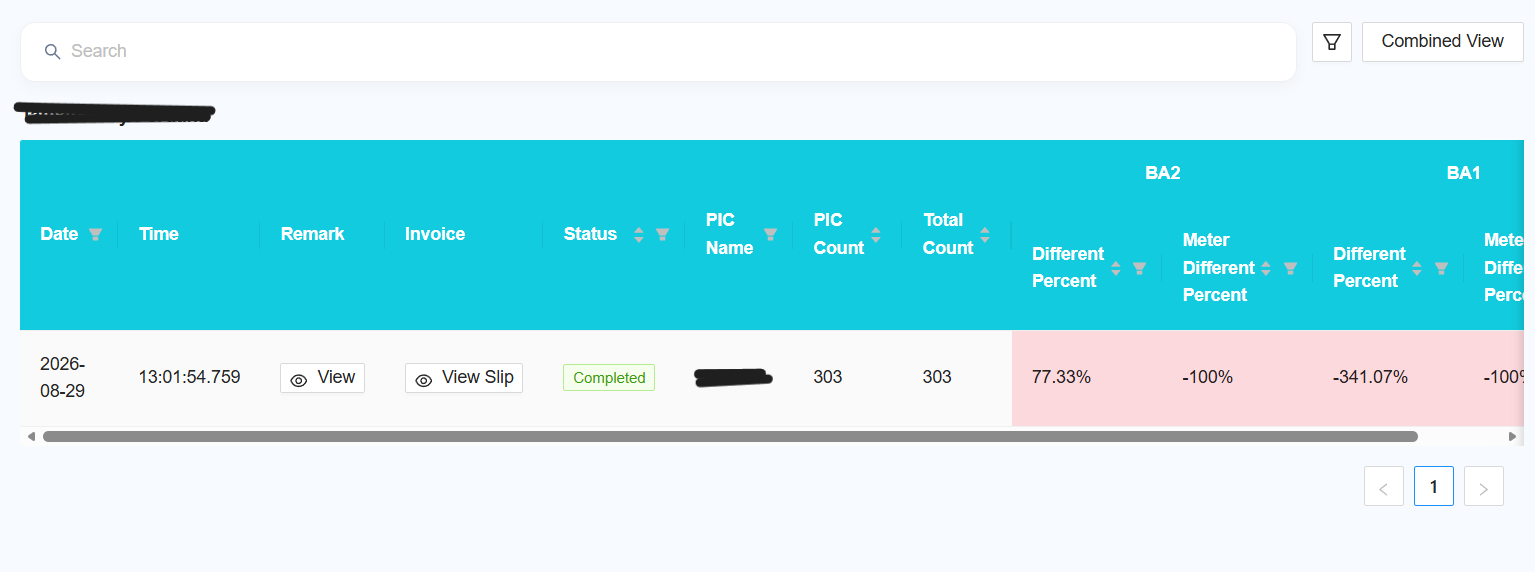
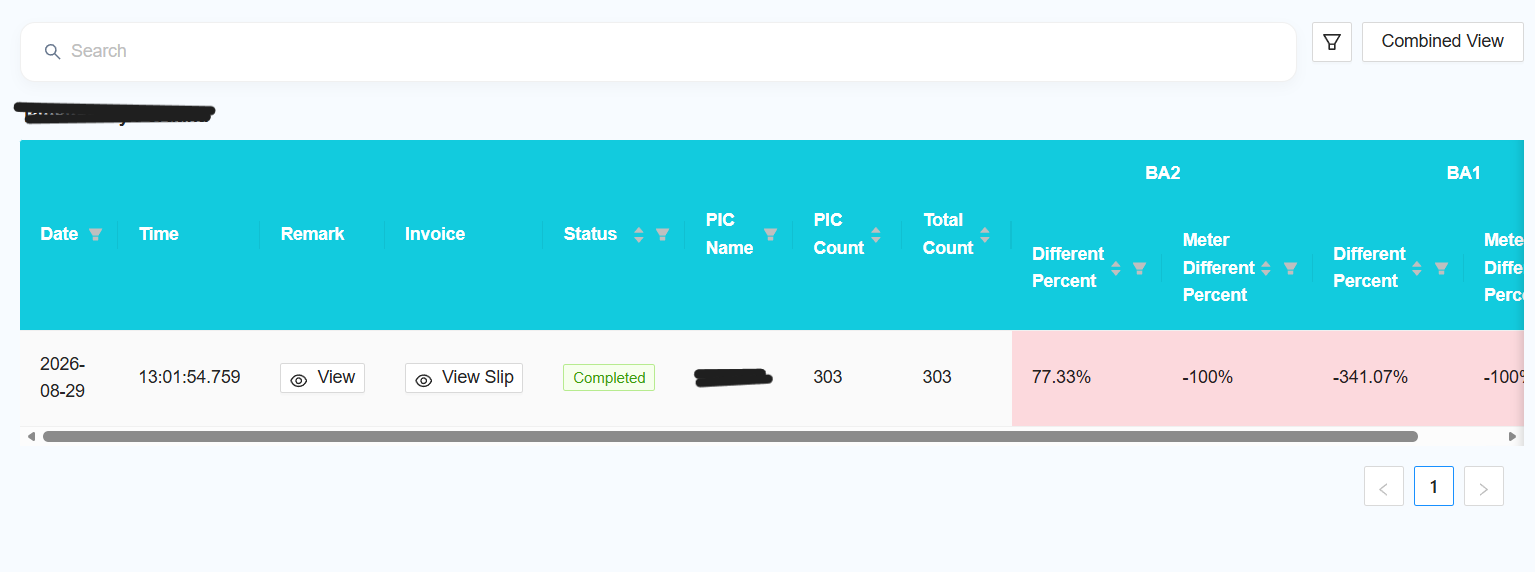
Combined View — combine the data from all selected outlets into a single report.
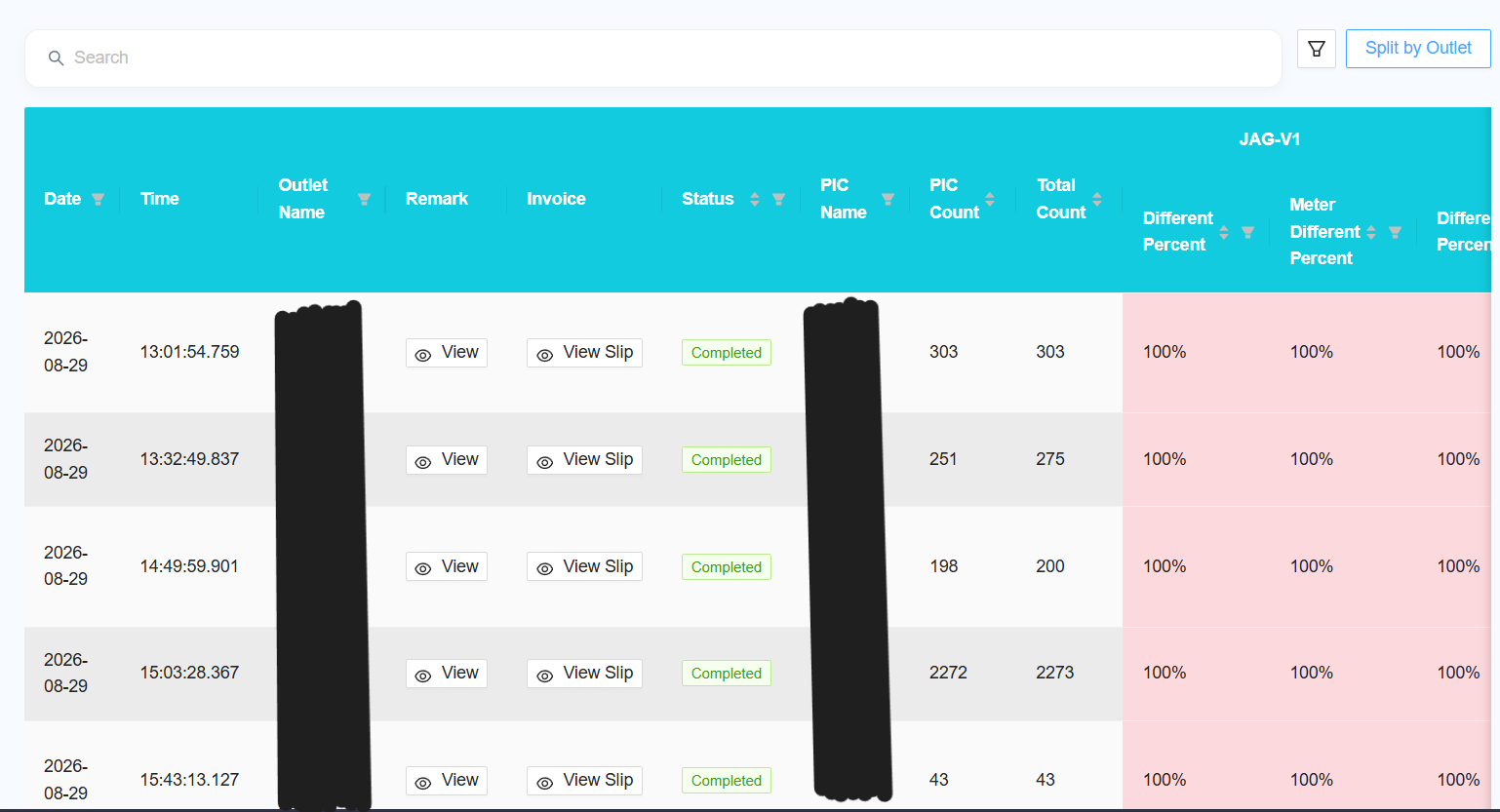
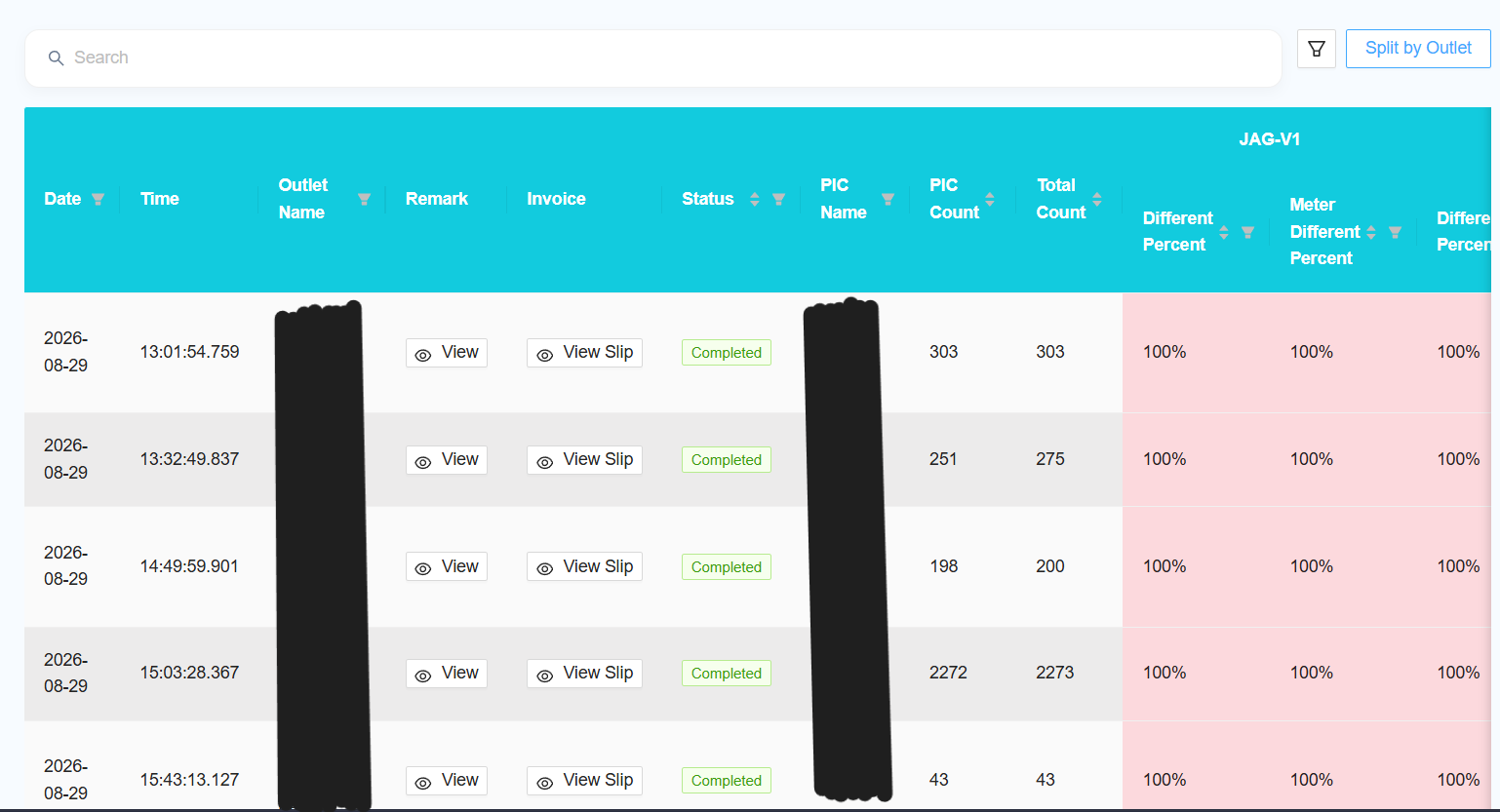
Split by Outlet — display the report separately for each outlet.
Report
The report table will include the following options:
View Remark
Click View Remark to view the corresponding F1 Form.
View Slip
Click View Slip to view the corresponding Collection Slip.
Reporting Changes
The following changes and improvements have been made to the report:
[NEW] Multiple Outlet Selection
Allow users to select multiple outlets when generating the report.
[NEW] Add Favourite
Add the option to mark the report as a favourite.
[NEW] Add New Columns
Add the following columns to the report:
Outlet Name
PIC Name
PIC Count
Total Count
[NEW] Add Column Filter
Allow users to select which columns are displayed in the report.
Follow the same column filter functionality used in other browsable reports.
[NEW] Remove F1 Column
Remove the F1 column from the report.
[NEW] Collection Slip
Change the collection slip from one slip per machine to one slip per collection.
[NEW] Slip Preview
Do not display the slip preview directly in the report.
Add a button to open the slip preview in a popup when required.