Firmware Update Procedure for Alpha3
Steps:
-
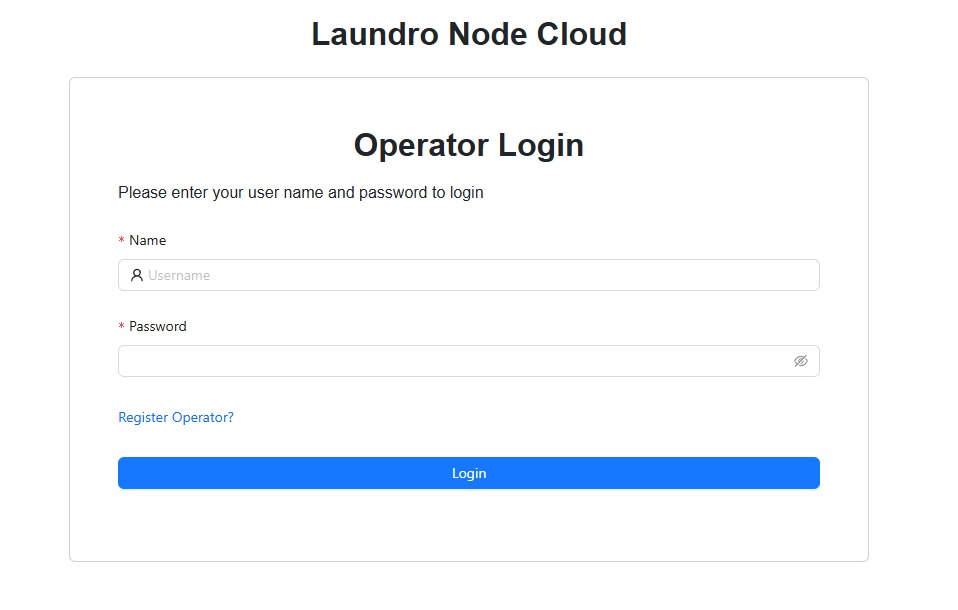
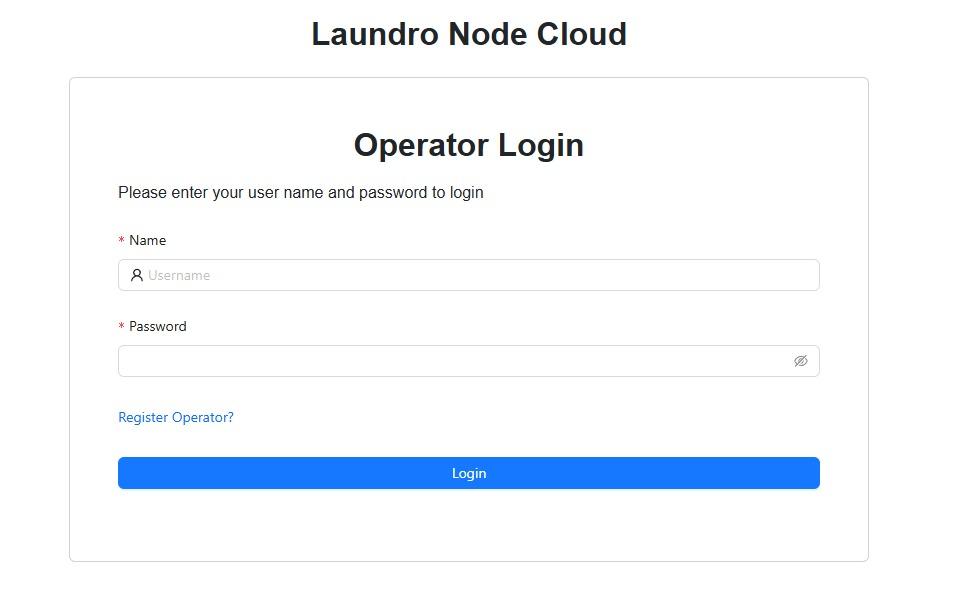
Log into your node cloud account
-
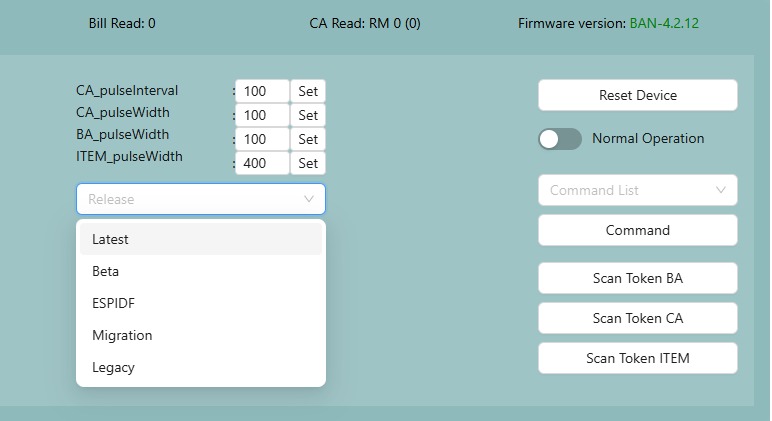
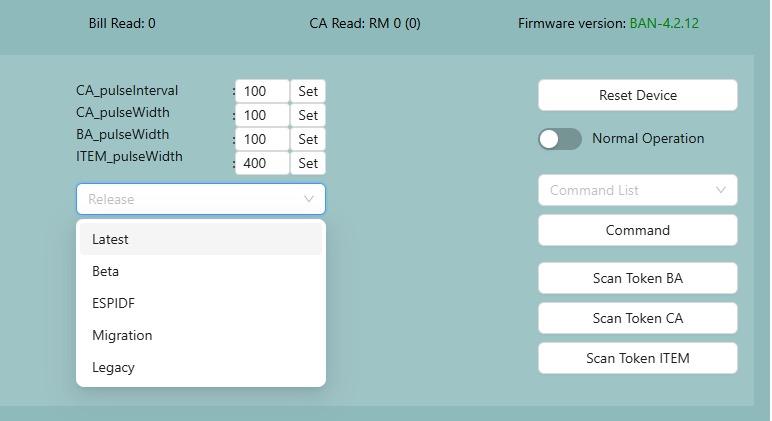
Navigate to the device that you intend to update and select "latest" in the release dropdown menu
-
Once you have selected "latest", click on "Check update" and you will see a message saying update is available beside the firmware version.
-
If update is available, click on "Update" and the device will update.
TAKE NOTE: Device will become offline for up to 1-3 minutes during the update process before coming back online
-
If update is successful, you will see a change in Firmware version and the device will come back online.
-
If update fails, try again when device comes back online for a few times until it is successful. If update still fails. report the issue.
Sometimes, restarting your router may help to fix update issues