# Specific Case
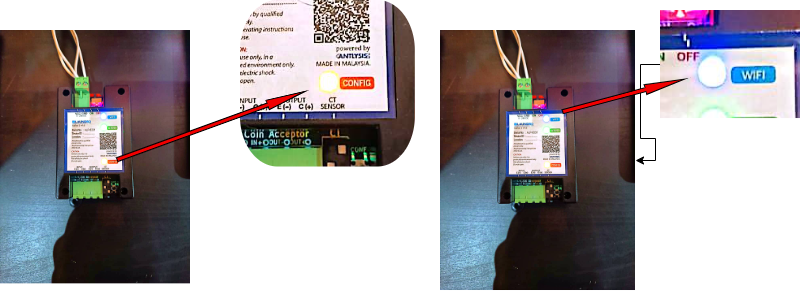
**1. Alpha-1 - Blue LED turns off and nothing happens for a long time.**
- **WiFi password was most likely keyed in wrongly. Wait for 10-15 mins until the blue LED starts blinking again.**
- **Reset the device with the power switch and check if the blue and green LED blinks twice. If not, the device has a firmware issue and needs to be replaced.**
******2. **Alpha-1 - Yellow LED blinks once then blue LED starts blinking again.********
- **“Outlet ID” keyed in was wrong. Check if outlet ID was keyed in correctly. (Case sensitive)**
- **Check if the config mode is enabled in the config page.**
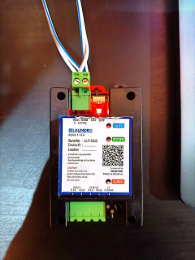
**3. Alpha-1 - Red Light only turn on**
- Chip damage on the Alpha-1 board
**Recommendation:**
- **(It is recommended to replace the damaged Alpha-1 board if repair is not feasible.)**
**4.** Fail to enter Web interface - WiFi service failure
- **Check WiFi connectivity**
- **Reset WiFi through the following steps:**
- **Turn off router**
- **Wait for 1 minute**
- **Turn on router**