# Offline Device
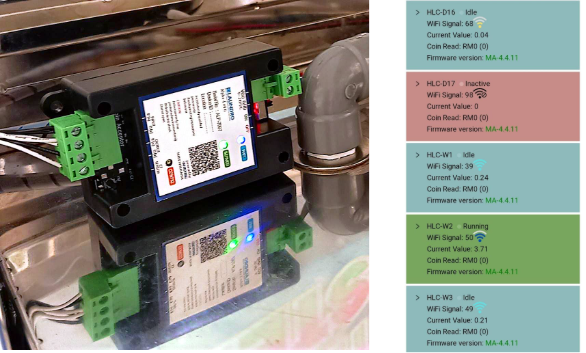
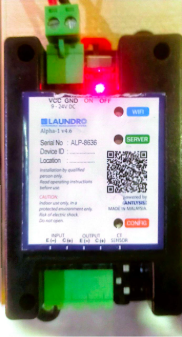
**In a normal situation, the device status LED displays blue and green lights. \[as shown in the picture\]**
**Blue : Device / Machine idle & Ready to use Green : Device / Machine in use \[ Running \] Red : Device offline**
**However, there are situations where the device will go offline.**
**Possible Cause:**
**1. Internet connection error / WiFi signal lost.**
**If this situation occurs, what needs to be done is as follows.**
**Recommendation:**
1. **Check WiFi connectivity**
2. **You can check through CCTV if there’s one.**
3. **Restart modem/router. If connection okay**
4. **Restart device**