HitPay Setup Guide
Login
Open HitPay Portal URL: https://dashboard.hit-pay.com/login . Enter the email and password to login 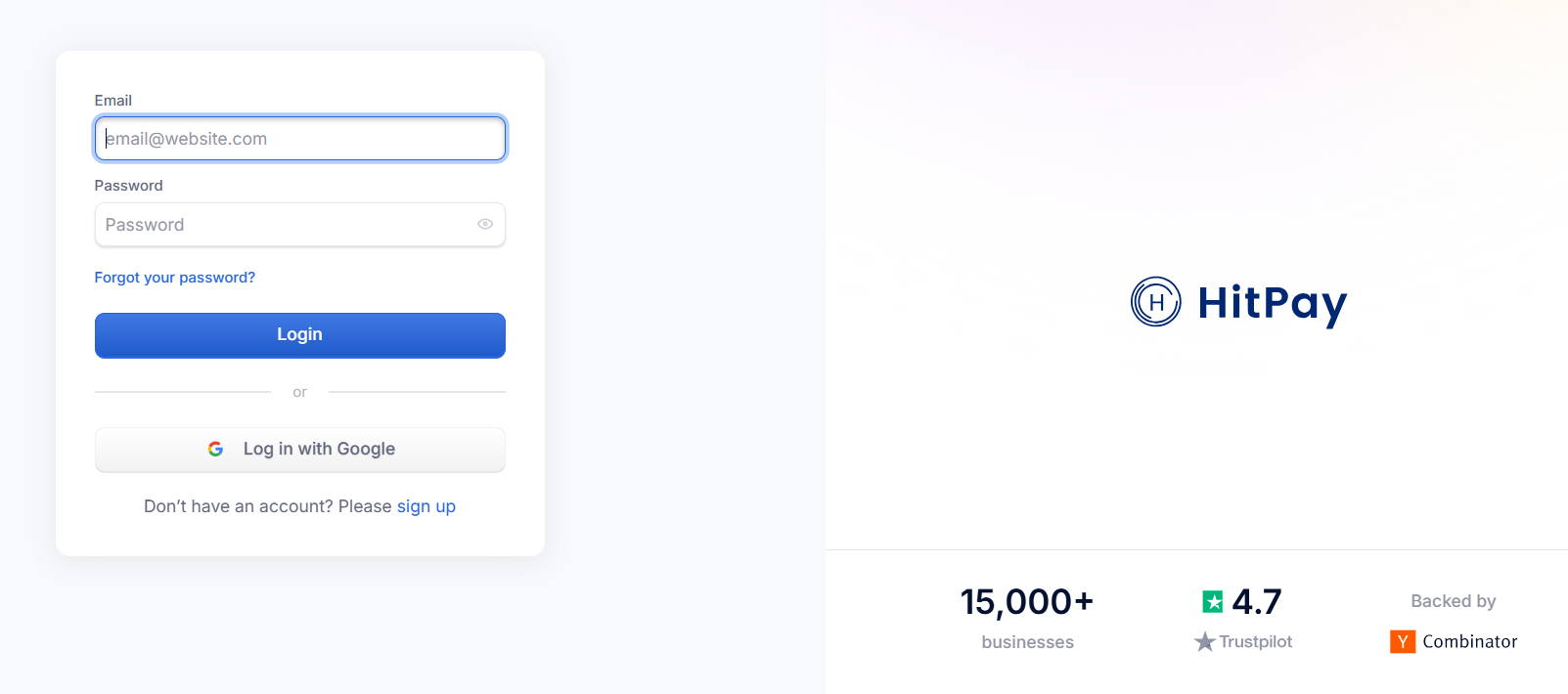
Config Setup
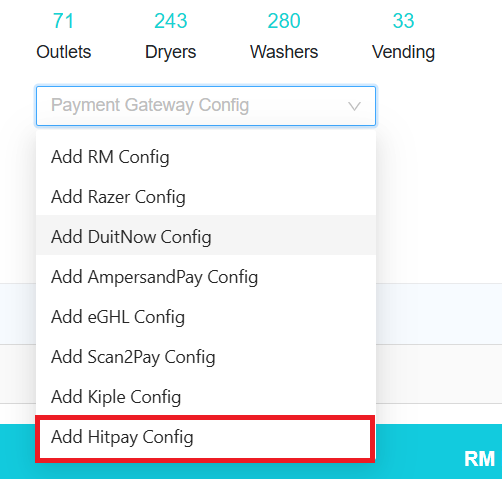
In Laundro Portal, go to Settings Page, under Payment Gateway Config, select Add Hitpay Config
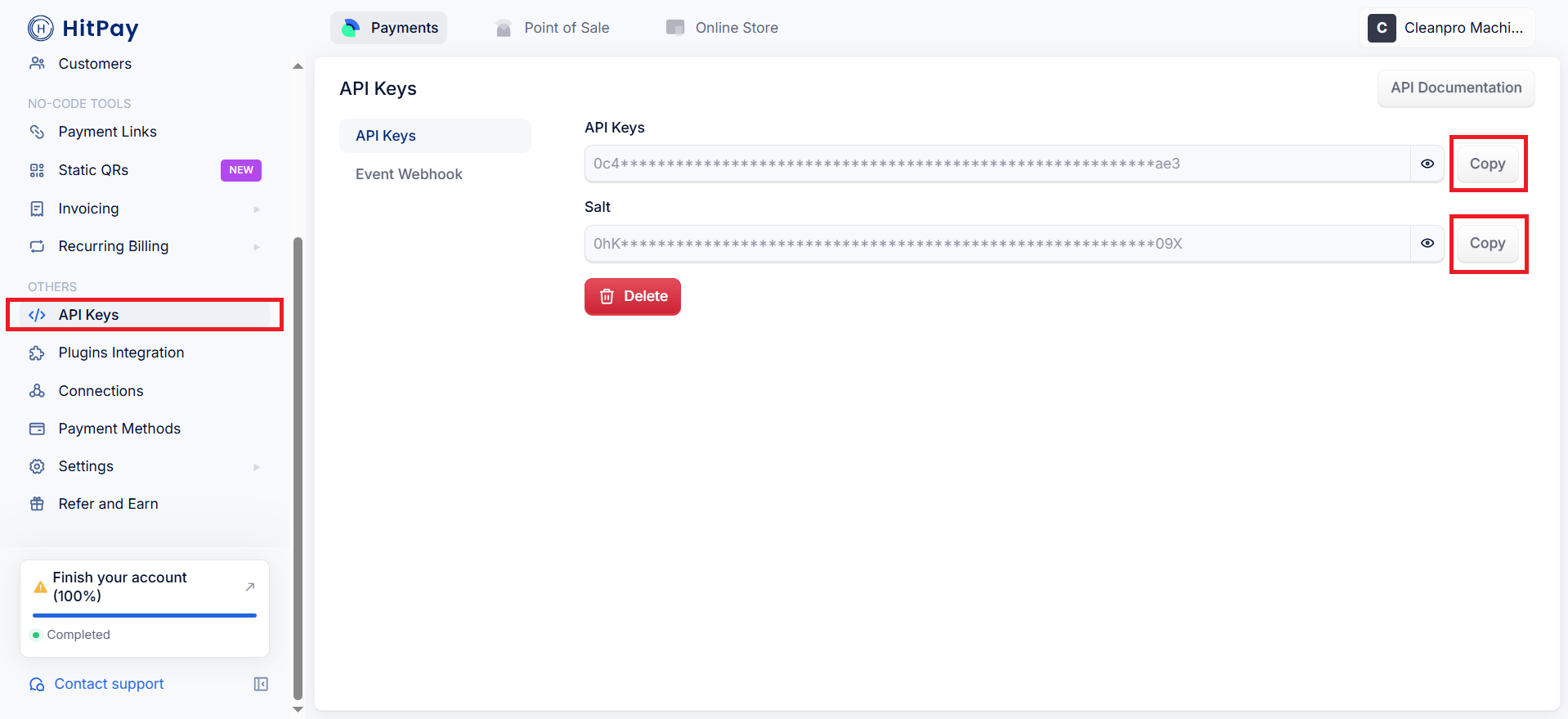
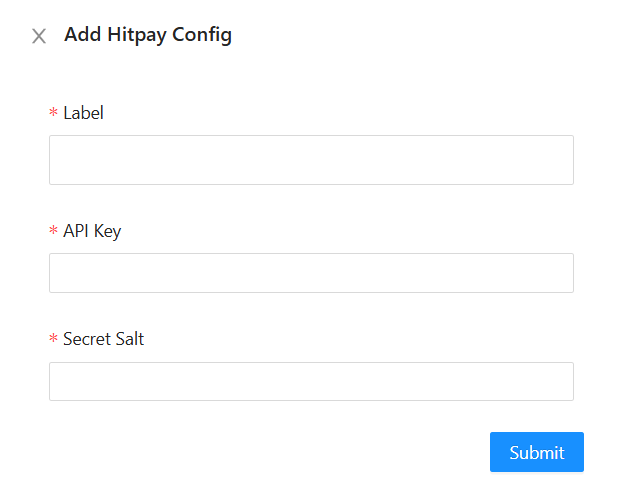
Enter the label, paste the API Key and salt from the HitPay Portal, then click Submit button
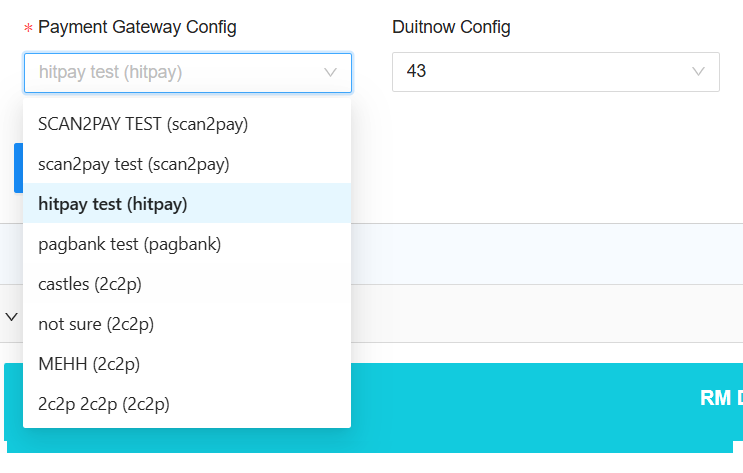
To enable HitPay in machine payment page in loyalty, in outlet settings page, under Payment Gateway Config, select the config and save
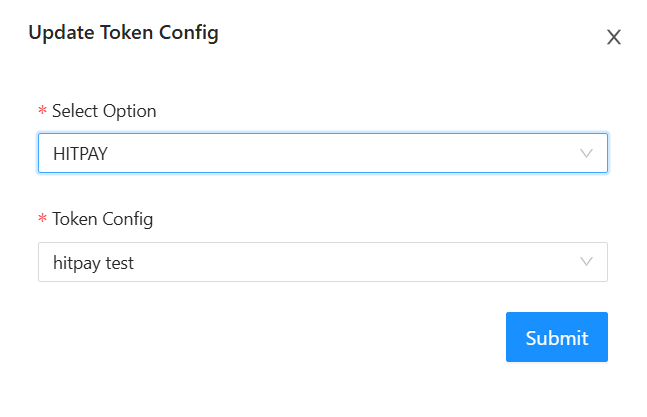
To enable HitPay for eToken reload in loyalty, click Token Config button
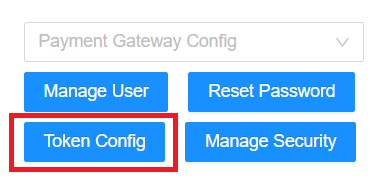
Payment Gateway select HitPay, and select the HitPay Config, then Submit button